Will a DNS Ad Blocker Work With Your Router? A Compatibility Checklist
Check LAN and WAN DNS controls, DHCP, guest isolation, VPNs, encrypted DNS, and IPv6 before planning home coverage with a local DNS ad blocker.

Written by
DNSAdBlocker Team
The DNSAdBlocker team explains home DNS filtering, setup, and maintenance using product documentation and referenced platform guidance.
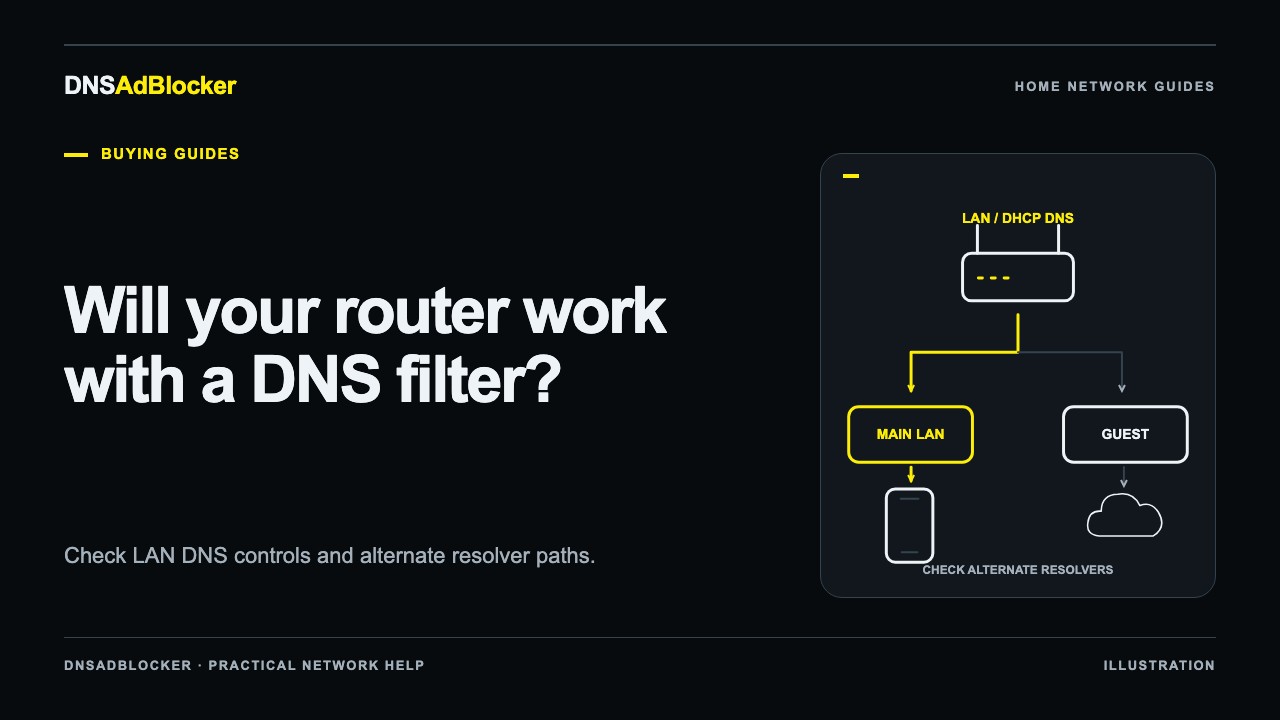
A local DNS ad blocker can work with a router when the intended clients can reach it and have a supported way to use it for DNS. The easiest arrangement is often a router that distributes a chosen DNS address through DHCP. A router that cannot do that may still allow selected devices to use manual DNS settings.
Compatibility depends on the model, firmware, network layout, and client behavior. A DNS field in the router app is a useful clue, but it does not prove every device will use the local filter. Check what that field controls before buying hardware for whole-home coverage.
Record the exact router and network arrangement
Find the router's model number, hardware revision, firmware version, and operating mode. Keep the ISP gateway and any separate mesh system in the same notes. In a network with several boxes, the device creating Wi-Fi may not be the device distributing network settings.
For example, a mesh system in access point mode can leave DHCP to an upstream router. Changing the wrong interface may have no effect on the DNS addresses clients receive. Identify the active DHCP server before choosing a setup method.
If you use an ISP-provided router, inspect the available interface and its official documentation. Some providers restrict settings or expose only selected controls in an app. Ask about a custom local DNS server using your exact model rather than asking whether the router "supports ad blocking."
Separate LAN DNS, DHCP DNS, and WAN DNS
These labels describe different jobs, although manufacturers can combine them in one interface.
| Setting or behavior | What to establish | Why it matters |
|---|---|---|
| DHCP DNS option | Can the router give clients the filter's local address? | Clients may query the filter directly |
| Router DNS forwarding | Can the router accept client queries and send them to the filter? | Filtering may work while the filter sees the router as the source |
| WAN or Internet DNS | Does this change only the router's upstream resolver, or also client resolution? | The label alone does not prove home coverage |
| DHCP reservation | Can the filter keep a predictable local address? | Clients need to reach the same address later |
| Extra resolver entries | Can a client use an unfiltered alternative? | Additional addresses can create a bypass path |
Official vendor instructions demonstrate why the exact interface matters. TP-Link's Pi-hole guide uses DHCP DNS settings in its Archer and Deco examples. ASUS's guide gives different WAN or LAN instructions depending on firmware version. These are examples for those products and versions, not a universal recipe for every local filter.
Look for documentation that explicitly permits a local server. If it is unclear, ask: "Can this model use a DNS server on its LAN, and should I set that address under DHCP or upstream DNS?"
Confirm the filter can join a reachable network
DNSAdBlocker's Home DNS Ad Blocker uses USB power and 2.4 GHz Wi-Fi. Confirm that your network provides 2.4 GHz access at the chosen location. USB supplies power; plugging it into a router's USB port does not configure the router or create a wired DNS connection.
Clients do not all have to use 2.4 GHz. A laptop on Ethernet or a phone on another Wi-Fi band can reach a local filter when the router permits communication between those connections. Network membership and reachability determine the result.
Check the following before choosing placement:
- The filter can join the intended home Wi-Fi.
- Its power source stays available while clients depend on it.
- The router can keep its address stable through a supported reservation or addressing method.
- The intended clients can reach that address across their actual network segments.
A different subnet is a reason to inspect routing and access rules, rather than assume communication works or fails. Keep the first setup on a simple, reachable home segment where possible.
Check guest Wi-Fi and client isolation separately
Guest networks often separate visitors from household devices. That can also prevent a guest client from reaching a DNS filter on the main LAN. A router may distribute different DNS settings on the guest network, or handle its DNS through a separate forwarding path.
Do not remove useful guest isolation solely to make a filter reachable. Check the router's supported guest DNS and access options. Our guest Wi-Fi DNS guide covers how to test that network independently.
The same concern applies to wireless client isolation on a main network: a Wi-Fi connection does not by itself establish that one wireless client can talk to another. Ask the router documentation which local communications its isolation setting allows.
Identify clients that choose another resolver
A router can advertise the intended DNS server while some applications take another route. Browser DNS-over-HTTPS, Android Private DNS, a VPN, or an app's own resolver can change where queries go.
That is a coverage question, not necessarily a router incompatibility. Record which of those features your target devices use and decide whether their current resolver policy should remain. Do not assume that changing router DNS overrides them.
IPv6 requires a separate check. A client may receive resolver information through IPv6 in addition to IPv4. Receiving an IPv6 website address is different from contacting a DNS resolver over IPv6. Use the IPv6 DNS checklist to examine the resolver path; do not assume this hardware supports every IPv6 arrangement or treat disabling IPv6 as a universal remedy.
Televisions deserve their own model-specific check. A TV may offer manual DNS settings while an individual app behaves differently. The smart TV DNS guide separates home-screen advertising, telemetry, and video-app expectations.
If the router cannot distribute local DNS
Device-level DNS may be a workable fallback for a laptop or phone that exposes the setting. That changes the scope: you cover the devices you configure, rather than every household device by default. Some TVs and managed devices provide fewer controls.
Our router DNS versus device DNS guide explains how to choose the configuration point. Begin with one device and keep the previous settings so you can restore them during setup.
Some self-hosted products document replacing the router's DHCP service with their own. Do not transfer that instruction to a different device. DNSAdBlocker's local hardware should not be assumed to replace your router's DHCP server. Disabling the router's DHCP service without a planned replacement can prevent clients from receiving usable network settings.
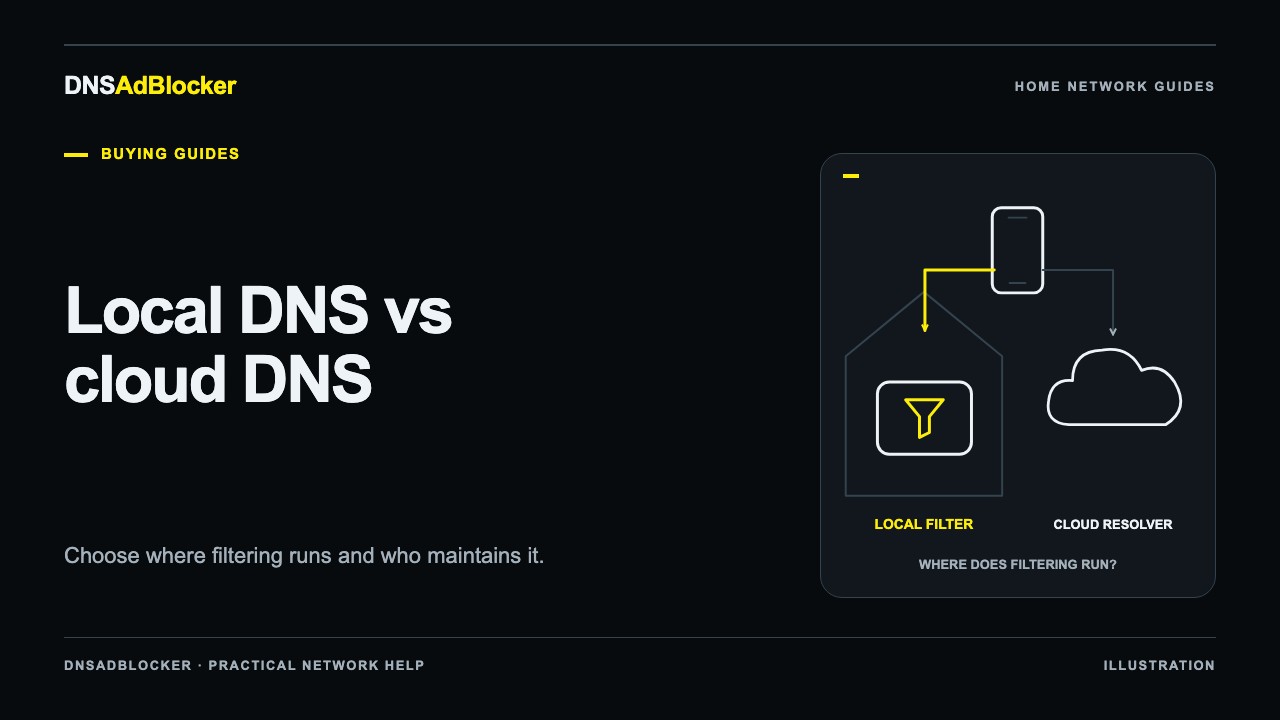
If maintaining a local DNS path does not fit the network you have, compare local and cloud DNS filtering. A hosted option still needs supported configuration, but it changes the local reachability requirement.
A practical compatibility result
You have a workable plan when you can name the configuration point, explain how clients reach the filter, keep its address predictable, and restore the previous DNS arrangement. You can then follow the product guide and test one client before applying the setup more widely.
For an unresolved case, send support the router model and firmware, operating mode, a description of any ISP gateway or mesh system, and the devices you want covered. Include the names of the available DNS settings without sharing administrator passwords. That gives support a specific question to answer.
Common router questions
Does the blocker need to be my router's DNS server?
It can receive queries directly from clients or through a router that forwards them, depending on the supported configuration. The source shown in the dashboard can differ between those arrangements.
Can I put an unfiltered public resolver in the second DNS box?
That can allow clients to use the public resolver and bypass filtering. "Second" is not a reliable promise of failure-only use. Choose every configured resolver intentionally.
Does a successful router change cover guest devices too?
It proves only what you have tested. Check guest DNS distribution and reachability separately, then repeat a controlled test from a guest client.
Official references
- TP-Link: how to use a Pi-hole DNS server.
- ASUS: configure a router to use Pi-hole.
- Pi-hole post-install client configuration.
- AdGuard Home device configuration.
Vendor documentation was checked on October 19, 2026. Its examples do not establish compatibility for an unlisted router or an untested hardware configuration.
Questions or corrections about this content can be sent to support@dnsadblocker.com.
All postsRelated posts
DNS filtering guides, home network setup notes, and product updates.