IPv6 and DNS Ad Blocking: Check Which Resolver Your Device Uses
Separate IPv6 DNS transport from AAAA answers, inspect the resolvers your network advertises, and trace filtering without disabling IPv6 as a general fix.

Written by
DNSAdBlocker Team
The DNSAdBlocker team explains home DNS filtering, setup, and maintenance using product documentation and referenced platform guidance.
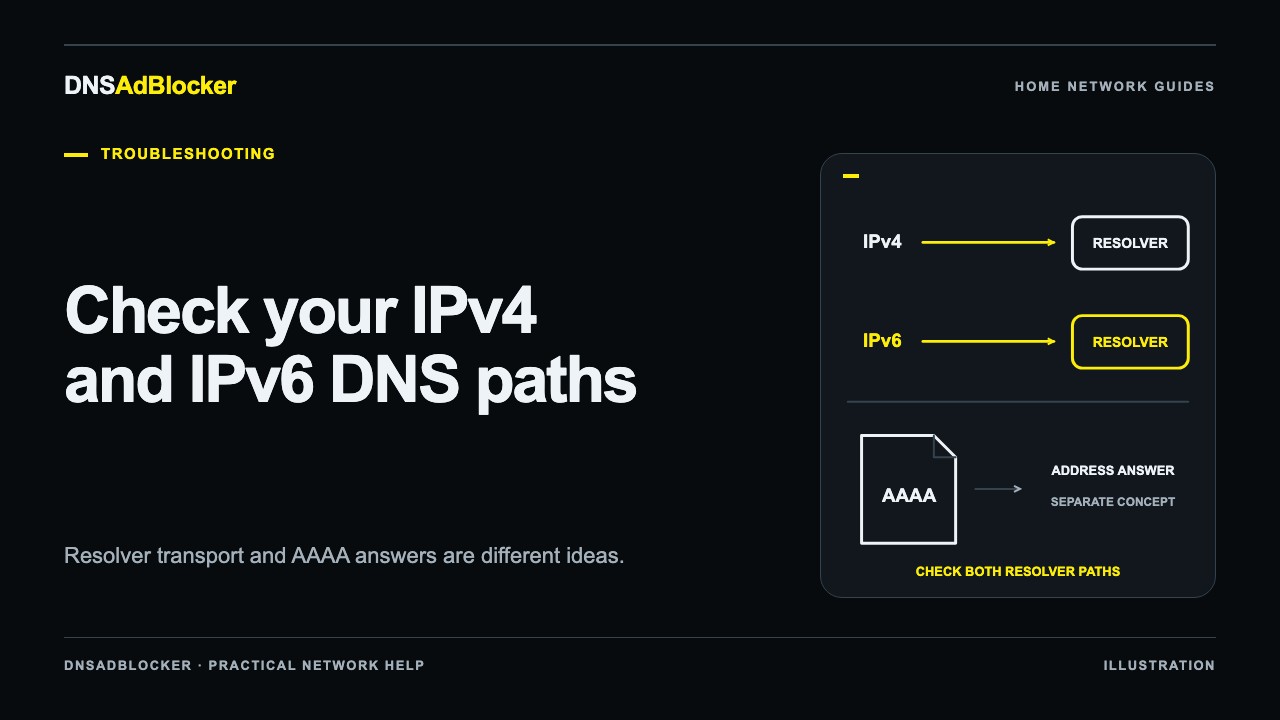
IPv6 can reveal an extra DNS resolver path on a home network, but an IPv6 website address is not evidence that DNS filtering was bypassed. Check the server that answered the lookup. The protocol used to reach that server and the address contained in its answer are separate things.
On a network using both IPv4 and IPv6, changing only the IPv4 DNS setting may leave other advertised resolvers available. Whether a client uses them depends on the network, operating system, browser, and VPN configuration. Diagnose that path on one device before changing the whole network.
DNS transport and AAAA answers are different
An A record normally gives a website's IPv4 address. An AAAA record gives an IPv6 address, as defined in IETF RFC 3596. Either record type can be requested over a connection to a DNS server that uses IPv4 or IPv6.
For example, a computer can send an AAAA query to an IPv4 resolver at a local address. The answer can contain an IPv6 website address. That does not mean the computer used an IPv6 DNS server or skipped the filter.
| What you observe | What it means |
|---|---|
A resolver address such as 192.168.1.50 | An IPv4 address used to reach that DNS server |
| A resolver address containing colons | An IPv6 address used to reach that DNS server |
| An AAAA answer for a website | The answer contains an IPv6 address for the queried name |
| A browser connection to an IPv6 website address | The content connection uses IPv6; it does not identify the earlier DNS resolver |
The local address above is an example, not a DNSAdBlocker default. Do not invent an IPv6 address for the filtering device or assume its IPv4 setup instructions also configure an IPv6 DNS service. Use only resolver addresses and transports supported by your actual device and router.
Inventory every advertised resolver
Start with the affected client's active Wi-Fi or Ethernet connection. Record its current DNS server list, including both address families. A computer may have several network interfaces, so make sure you inspect the one actually being used.
Windows ipconfig /all can show DNS servers for the active adapter. On macOS, inspect the active service's DNS settings; Apple's DNS settings guide describes the list and accepts both IPv4 and IPv6 resolver addresses. A system's network configuration is a starting point, not proof of the resolver chosen by every application.
Then inspect the router's documentation and configuration. IPv4 DNS may be supplied with DHCP. IPv6 DNS can be advertised through Router Advertisements or DHCPv6, depending on the network and client. RFC 8106 defines recursive DNS server information in IPv6 Router Advertisements. A single IPv4 DNS field in a router's interface may therefore tell only part of the story.
Your router may advertise itself as the DNS server and forward requests elsewhere. In that case, check its forwarding settings as well as what clients receive. Read the router compatibility checklist before assuming a particular router exposes all those controls.
Compare the normal path with a targeted lookup
Use the controlled DNS filter test to establish a baseline. Write down the dashboard totals, make a direct query to the filter's supported address, and check the response and counter change.
For example, this requests an IPv6 record through an IPv4 DNS server:
nslookup -type=AAAA example.com 192.168.1.50
Replace the example address with your local filter's actual address. Microsoft's nslookup documentation covers record types and explicit server selection. A valid AAAA answer here is compatible with using the local IPv4 resolver; it is not automatically a leak.
Next, query a harmless domain that you know is blocked in your configuration. Compare the direct result with the client's ordinary lookup and the affected browser action. Other household queries can change dashboard totals too, and the dashboard does not provide a per-domain history. Use the combined evidence rather than assigning a particular counter increment to a hostname with certainty.
If your client lists another resolver, a targeted query to that actual server can help compare answers, provided your network permits it. Do not copy an illustrative IPv6 address from a tutorial into your DNS settings. A targeted lookup tests the named server; it does not force your browser to use the same one.
Decide which branch the evidence supports
If direct queries to the filter work, but ordinary lookups use a different advertised resolver, investigate the router's supported DNS advertisement or forwarding settings. Keep a copy of the old configuration. Reconnect the test client as the router's instructions require, then inspect the DNS list again rather than assuming the change took effect.
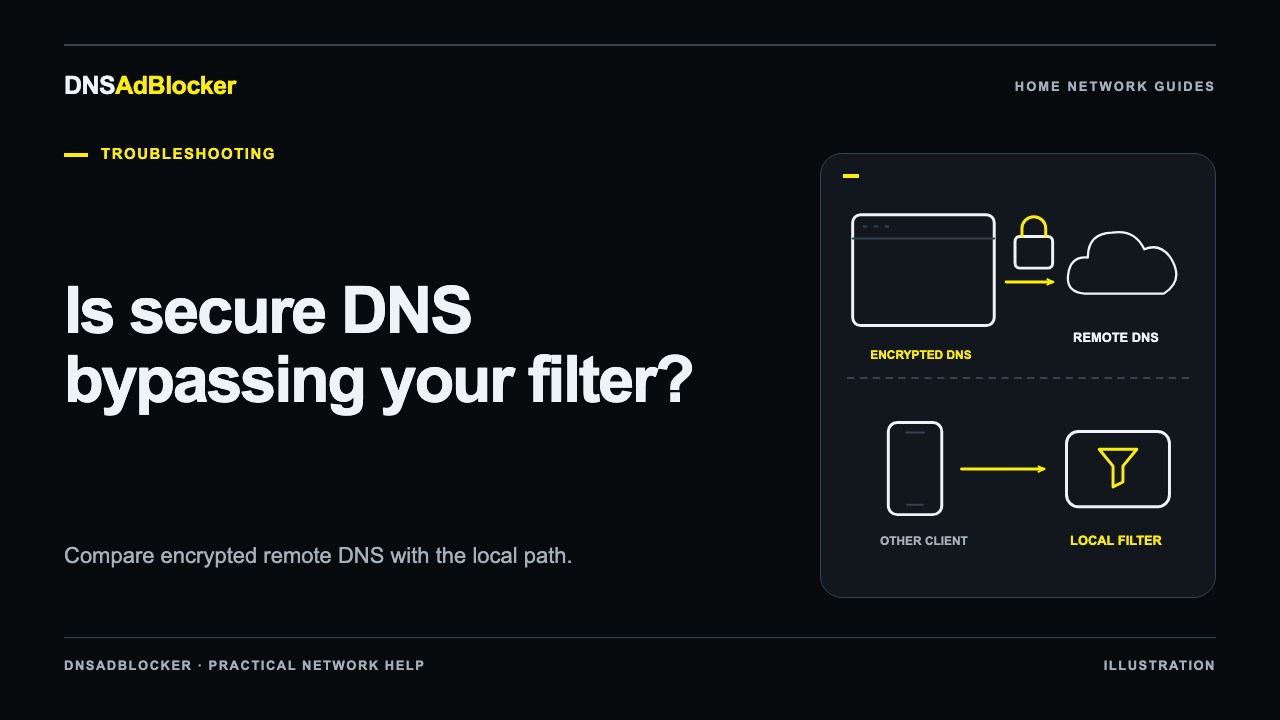
If the system's normal lookup follows the filter but only the browser behaves differently, inspect its encrypted DNS settings or a VPN path. The Secure DNS guide explains why a separate DoH provider can matter regardless of whether that connection uses IPv4 or IPv6.
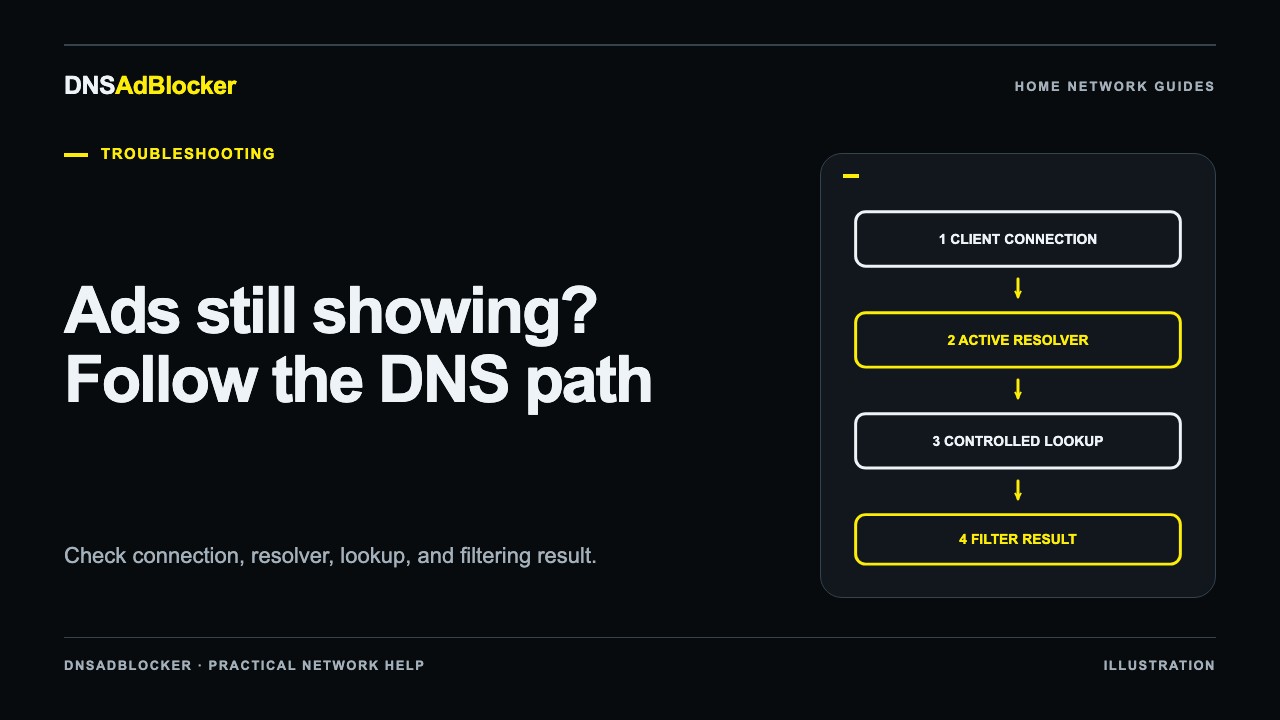
If direct known-blocked tests succeed and only an in-feed or video ad remains, investigate domain-level filtering limits. The general troubleshooting guide separates that case from resolver bypass. An ad served from a hostname needed for wanted content is not fixed simply by changing address families.
Use a supported configuration, not a blanket IPv6 shutdown
The goal is a consistent DNS policy across the resolver paths you intend to filter. Some routers can forward client DNS to a local filter while retaining IPv6 connectivity. Others offer limited controls, and the right configuration depends on the router and device support.
If your current router cannot supply the intended DNS path, a supported per-device configuration can be a useful one-client test. Preserve required network settings and verify both ordinary lookups and browser behavior. Do not advertise the filter as supporting every IPv6 network or enter it into an IPv6 DNS field unless its supplied documentation supports that use.
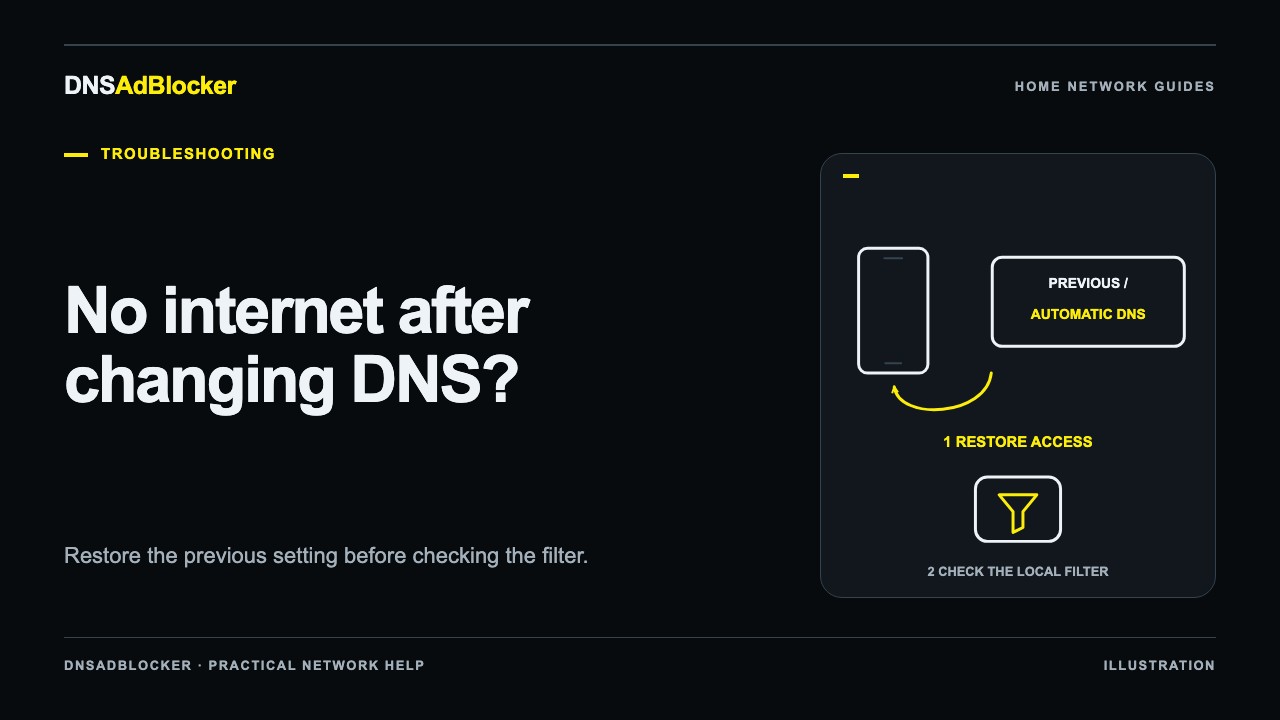
Disabling IPv6 everywhere is not a general fix. It can remove a useful connection path, mask the actual resolver configuration, and leave browser DoH or VPN bypass unchanged. Restore any temporary test change once you have identified the cause.
FAQ
Does an AAAA response mean a blocked domain escaped?
Only the actual response and rule behavior tell you that. AAAA names an IPv6 address record, not a filtering status or DNS transport. Test a known blocked domain against the intended resolver.
Do clients always prefer IPv6 DNS?
Do not assume a universal order. Resolver selection varies. Inspect the client and compare targeted results with the application's actual behavior.
Can one router appear as the only dashboard client?
Yes, when it forwards client queries through its own DNS proxy. That observation does not by itself tell you whether individual clients use additional resolvers.
Sources
- IETF RFC 3596: DNS extensions and AAAA records
- IETF RFC 8106: IPv6 Router Advertisement DNS options
- Microsoft: nslookup record-type queries
- Apple: DNS server settings on Mac
Documentation reviewed October 19, 2026. This guide does not claim verified IPv6 DNS-server support for every device or router variant.
Questions or corrections about this content can be sent to support@dnsadblocker.com.
All postsRelated posts
DNS filtering guides, home network setup notes, and product updates.