Back to blog
Everyday Use
Verify filtering, interpret request counters, and understand custom rules and household network coverage.
All categoriesBuying Guides5DNS Basics5Everyday Use5Setup Guides5Troubleshooting5Updates & Maintenance5
Understand the controls and verify the path your requests follow. The dashboard counts DNS requests; these guides explain what those numbers can and cannot establish.
- How to Test Whether Your DNS Ad Blocker Is Working
- How to Read Blocked DNS Request Counts in Your Dashboard
- How to Add and Test a Custom Blocked Domain
- Does Your Guest Wi-Fi Use the Same DNS Ad Blocker?
- Why Does Your DNS Dashboard Show Only the Router?
For product-specific connection requirements, use the Home DNS Ad Blocker setup guide.
Everyday Use2026/10/19
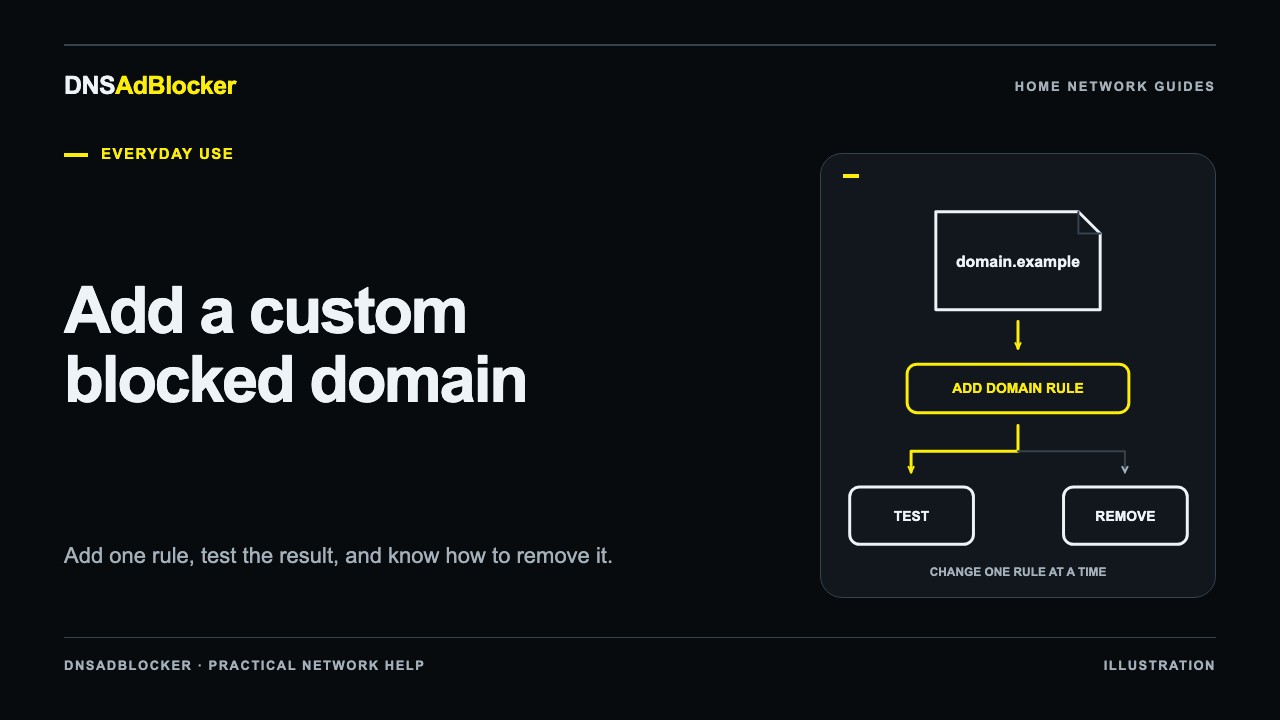
How to Add and Test a Custom Blocked Domain
Find a domain with browser tools, add one custom DNS block, and test the result. Learn how subdomains match and why removing a rule may not unblock a name.
Everyday Use2026/10/19
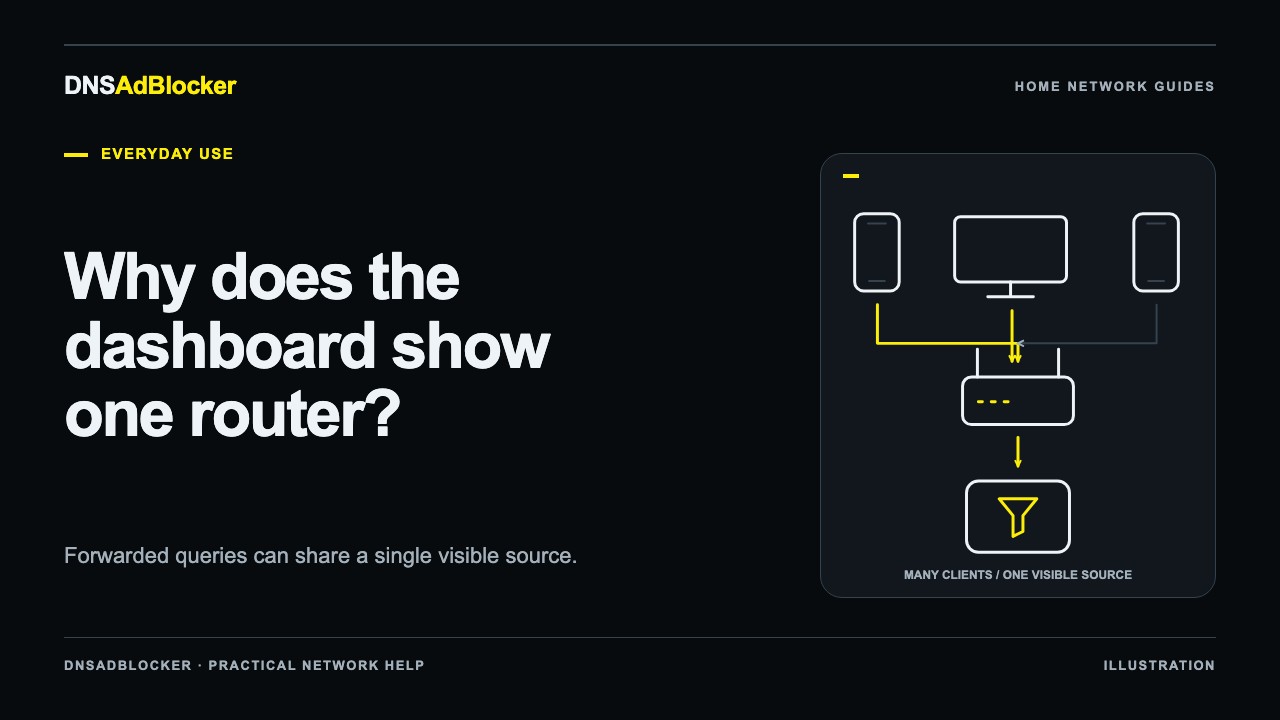
Why Does Your DNS Dashboard Show Only the Router?
Learn why DNS forwarding can combine your devices into one router entry, check that filtering works, and review supported options for seeing separate clients.
Everyday Use2026/10/19
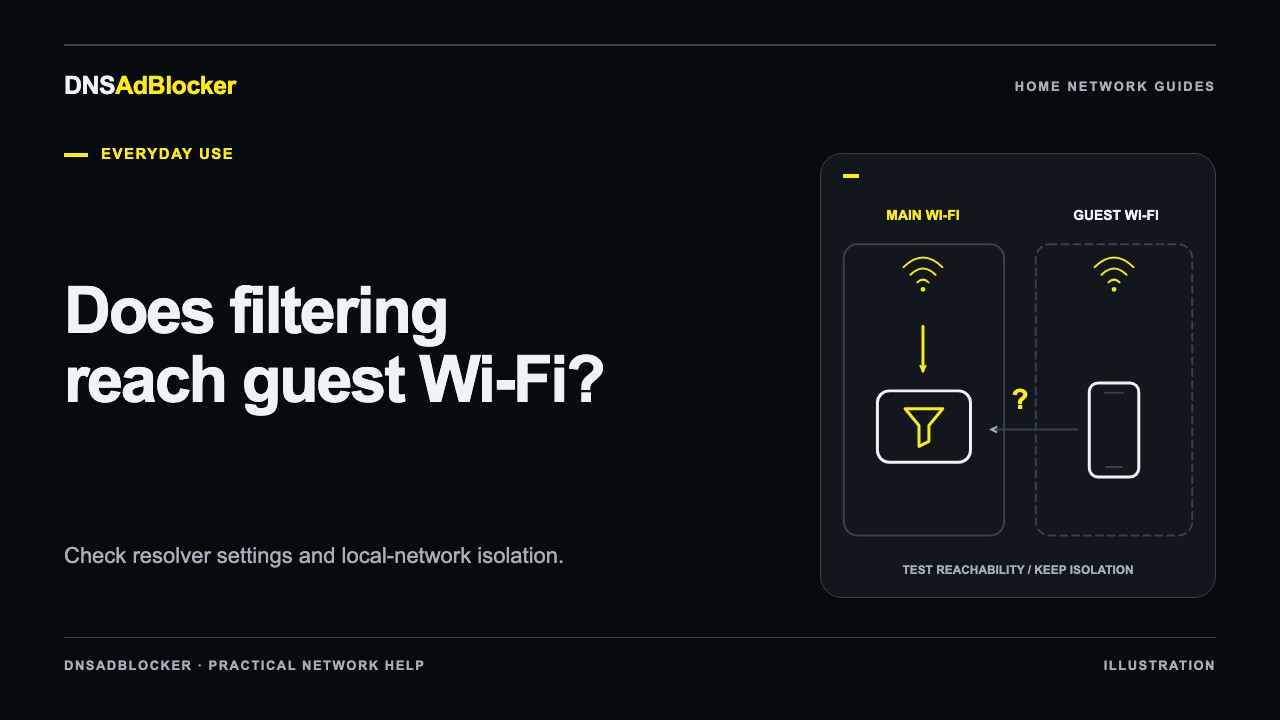
Does Your Guest Wi-Fi Use the Same DNS Ad Blocker?
Check whether guest Wi-Fi uses your local DNS filter by testing its resolver and reachability, while keeping the guest network isolation your router provides.
Everyday Use2026/10/19
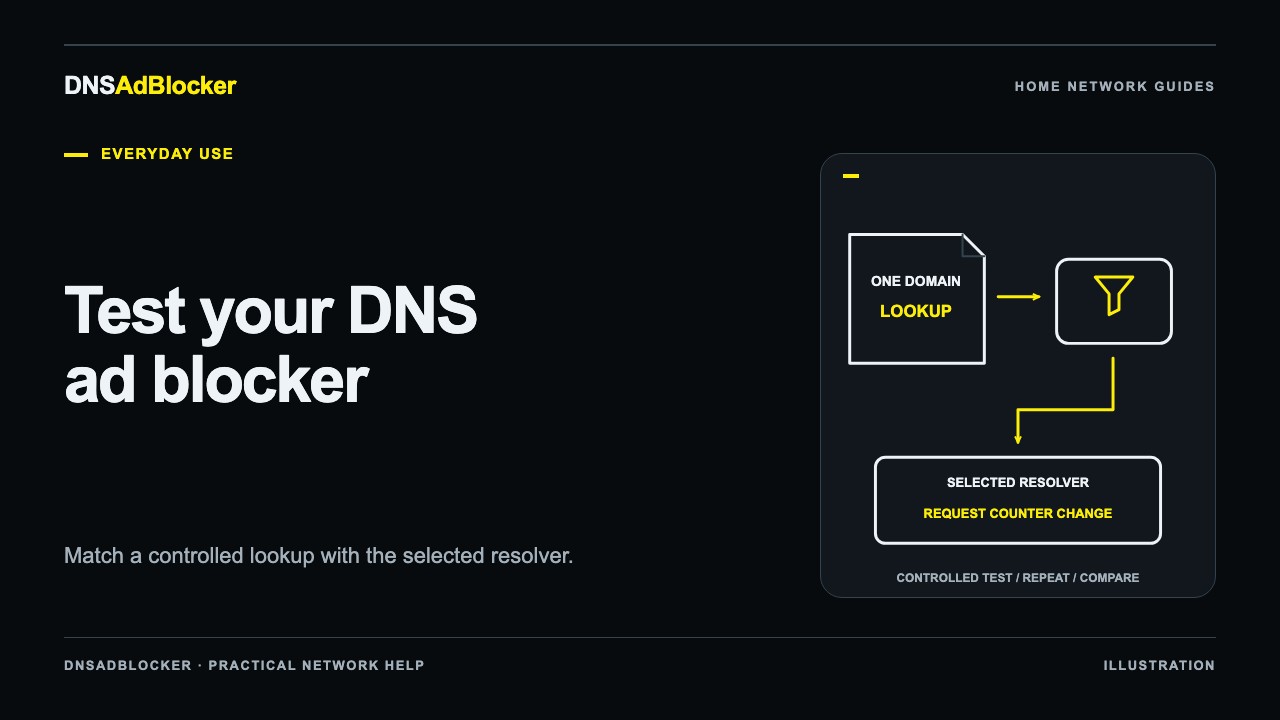
How to Test Whether Your DNS Ad Blocker Is Working
Check your active resolver, run a controlled DNS lookup, and compare dashboard counters to verify filtering on each device without relying on a web score.
Everyday Use2026/10/19
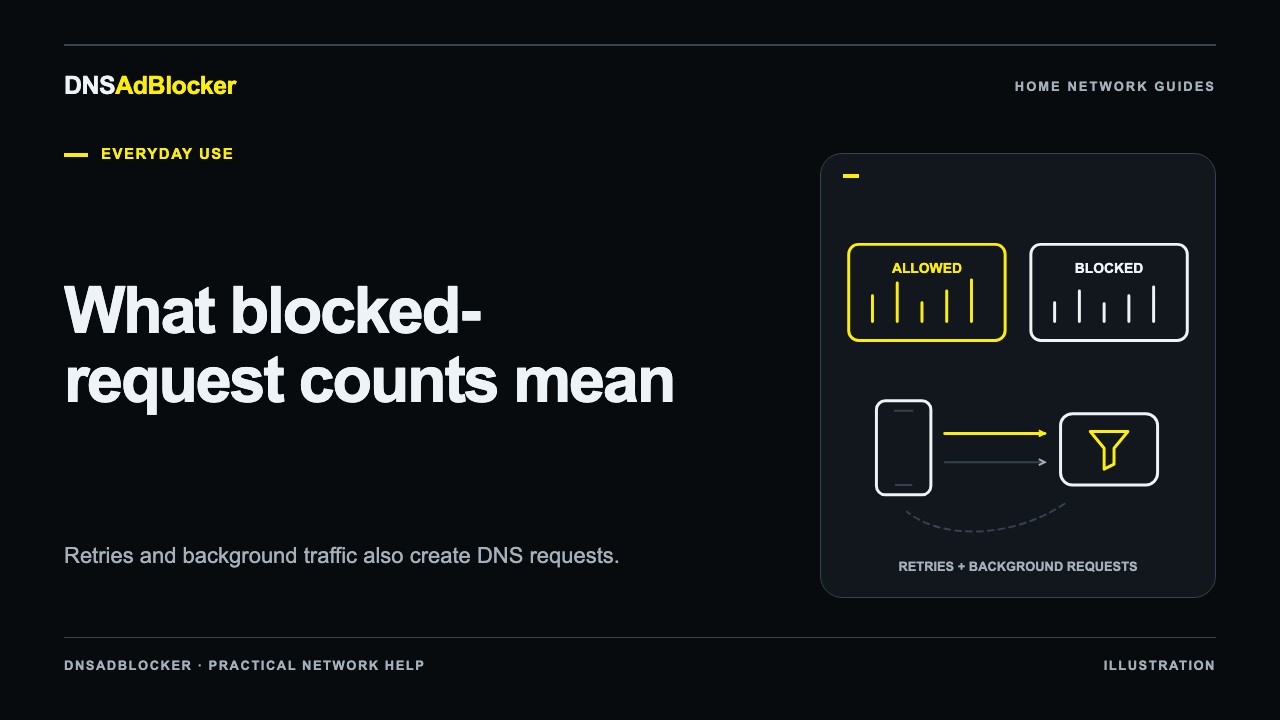
How to Read Blocked DNS Request Counts in Your Dashboard
Understand allowed and blocked DNS counts, background requests, retries, and router forwarding so you can compare activity without mistaking it for ads removed.
Questions or corrections about this content can be sent to support@dnsadblocker.com.