Pi-hole Alternatives for Home Networks: Hardware, Software, and Cloud DNS
Compare dedicated hardware, AdGuard Home, Technitium, and hosted DNS filtering by setup work, maintenance, home availability, and use away from home.
Written by
DNSAdBlocker Team
The DNSAdBlocker team explains home DNS filtering, setup, and maintenance using product documentation and referenced platform guidance.
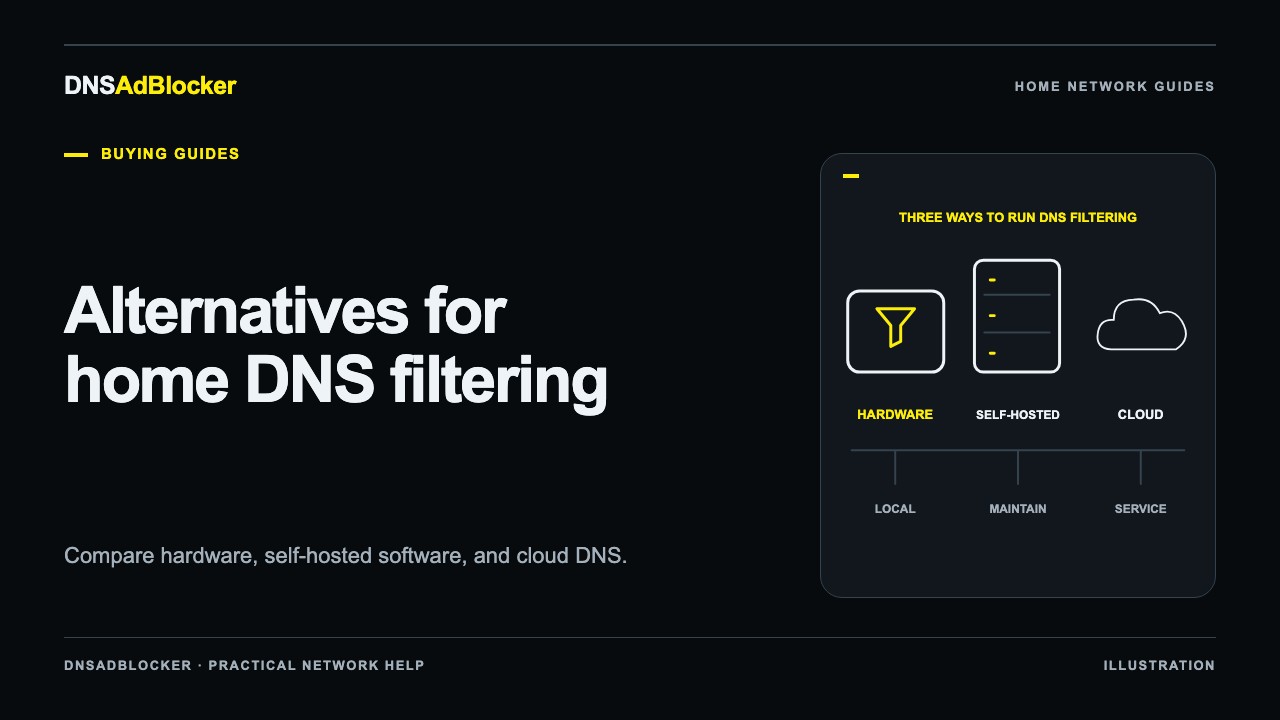
The most useful Pi-hole alternatives fall into three groups: a dedicated local filtering device, software you run on your own computer or server, and a hosted DNS filtering service. Choose between those groups by deciding who will maintain the resolver and where your devices need filtering.
AdGuard Home and Technitium suit people who want to administer their own server. A hosted service such as NextDNS moves server operation to a provider and can follow supported devices beyond home. A preinstalled local device suits buyers who want local filtering without first assembling a general-purpose server. Those are different ownership choices, even when each can block a listed domain. If the filtering mechanism is new to you, first read how DNS ad blocking works so the comparison starts with the same expectations.
First decide what you want to change about Pi-hole
If Pi-hole is working and you are comfortable maintaining it, an alternative needs to solve a specific problem. Perhaps you want a different host operating system, prefer a provider-managed service, or want a separate appliance rather than a project on your existing computer.
Write that reason down before comparing features. Otherwise, a long list of controls can distract from the one job you need done. A household trying to keep a TV on its chosen DNS path has a different task from a hobbyist who wants to manage local DNS zones.
None of these choices makes domain filtering able to distinguish an advertisement from wanted content on the same domain. Changing the DNS product will not reliably solve that limitation.
Compare the three ownership models
| Approach | Examples | Setup you own | Ongoing responsibility | Away from home |
|---|---|---|---|---|
| Dedicated local hardware | A preinstalled DNS filtering device | Power, network onboarding, a stable address, client DNS settings | Device availability, local settings, compatible updates | A home-only setup does not follow mobile data |
| Software on your own host | Pi-hole, AdGuard Home, Technitium | A supported host, software installation, networking | Host updates, service health, software and filtering data | Requires a separately planned reachable arrangement |
| Hosted filtering | NextDNS | A profile and supported router or device configuration | Account settings, client setup, provider terms | Supported device configurations can cover other networks |
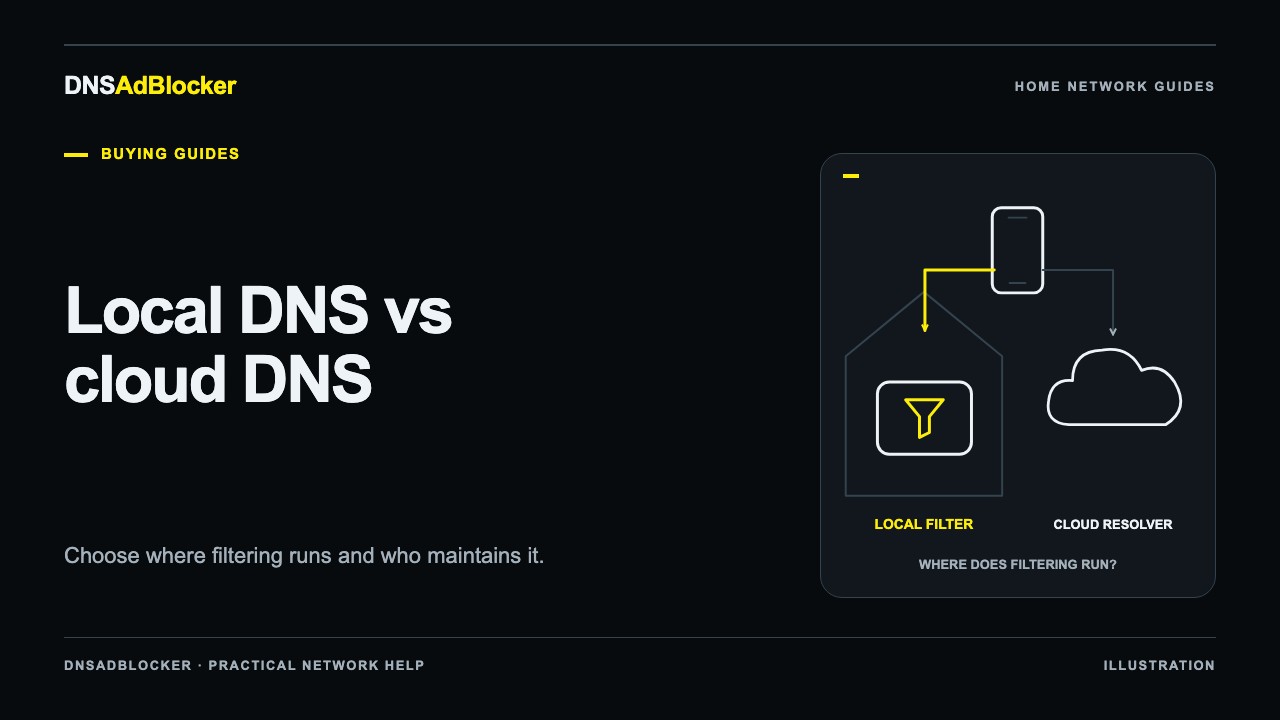
"Local" does not mean queries never leave the house. A local filter still needs a way to resolve allowed domains, commonly through an upstream DNS service. For a closer comparison of the request path and privacy choices, read local DNS versus cloud DNS.
AdGuard Home: another way to run your own filter
AdGuard Home's getting-started documentation describes downloadable releases, installation as a system service, and official Docker and Snap options. It also covers Windows installation, which can matter if you already have a suitable machine that stays on.
Its query log and filtering controls can help when you need to inspect a domain request or adjust rules. Those controls come with administration work: choose the right network interface, prevent port conflicts, configure clients, and keep the host available. Installing a service on a laptop that sleeps changes the household's DNS availability when that laptop sleeps.
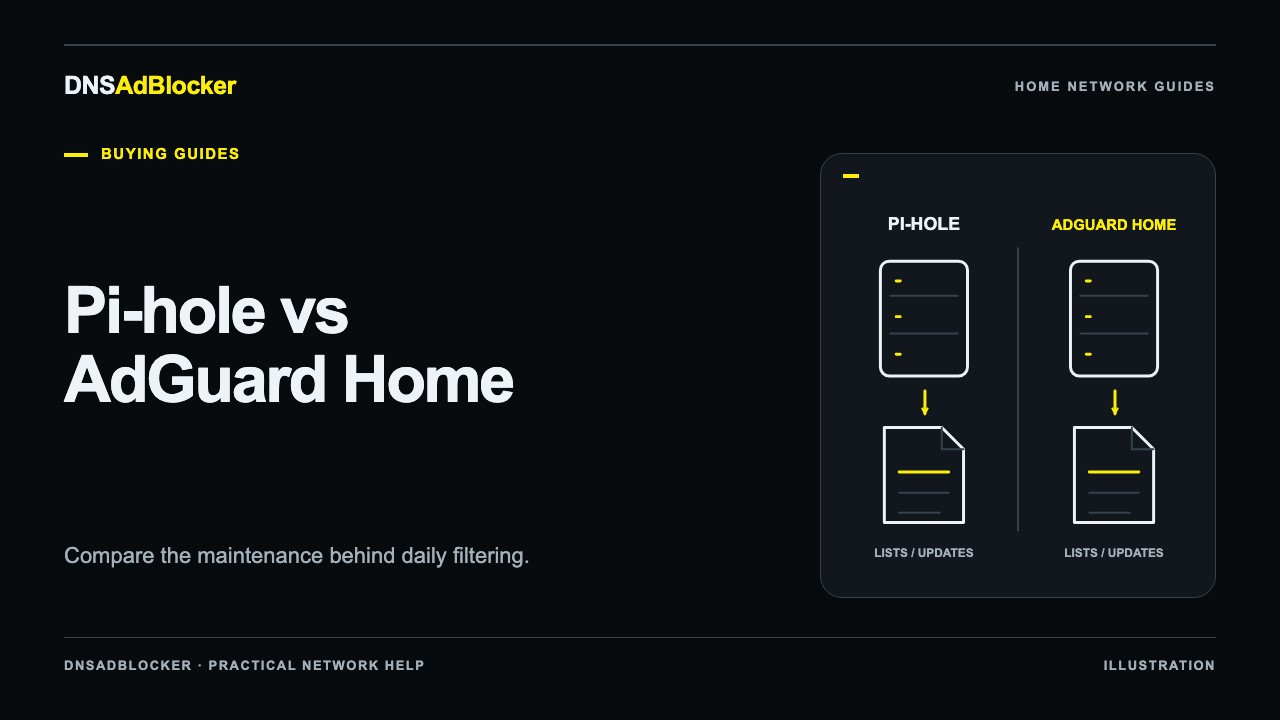
AdGuard Home can be a good fit if you want another self-hosted interface and are comfortable maintaining the machine underneath it. If your choice is already narrowed to these two projects, our Pi-hole versus AdGuard Home comparison focuses on installation and daily work rather than repeating a list of alternatives.
Technitium: consider it when DNS administration is part of the goal
Technitium DNS Server documents Windows, Linux, macOS, Raspberry Pi, and Docker deployment options. It supports domain blocking through blocklist URLs, alongside authoritative and recursive DNS server functions. Its documentation also describes encrypted forwarders and query logging.
That broader DNS role can be useful for a home lab. If you want to manage your own zones or learn how a resolver operates, it gives you more to work with than a narrow ad-filtering appliance.
The same scope means you should expect to understand the settings you enable. A supported feature is an option to configure, not a guarantee that it fits your existing router or privacy requirements. Someone who only wants a simple domain filter may not need the extra server functions.
Hosted DNS: move server operation to the provider
NextDNS is a hosted example. Its official service page describes profile-based filtering, configurable logs, and supported encrypted DNS methods. You configure the service on a compatible router or individual device instead of keeping a filtering server running at home.
This can suit a household whose phones spend much of the day on mobile data or other Wi-Fi networks. Coverage still depends on how each device is configured. A change made only on the home router does not follow a phone out of the house.
You also accept a provider relationship. Review the current plan terms and logging policy, then choose settings that match the data you want retained. A hosted service can reduce local server work while leaving you responsible for profiles, client behavior, and troubleshooting.
A preinstalled device: a narrower local option
DNSAdBlocker's Home DNS Ad Blocker is a dedicated local choice with USB power, 2.4 GHz Wi-Fi, approximately 100,000 preloaded rules, and an English dashboard. The dashboard provides allowed and blocked request counts, custom blocked domains, pause controls, and update controls.
It does not run Pi-hole, AdGuard Home, or Technitium, and their features do not transfer to it. For example, its counters are not a per-domain query log, and removing a custom blocked domain is not a general allowlist override. Choose it for the confirmed controls and physical arrangement that suit you.
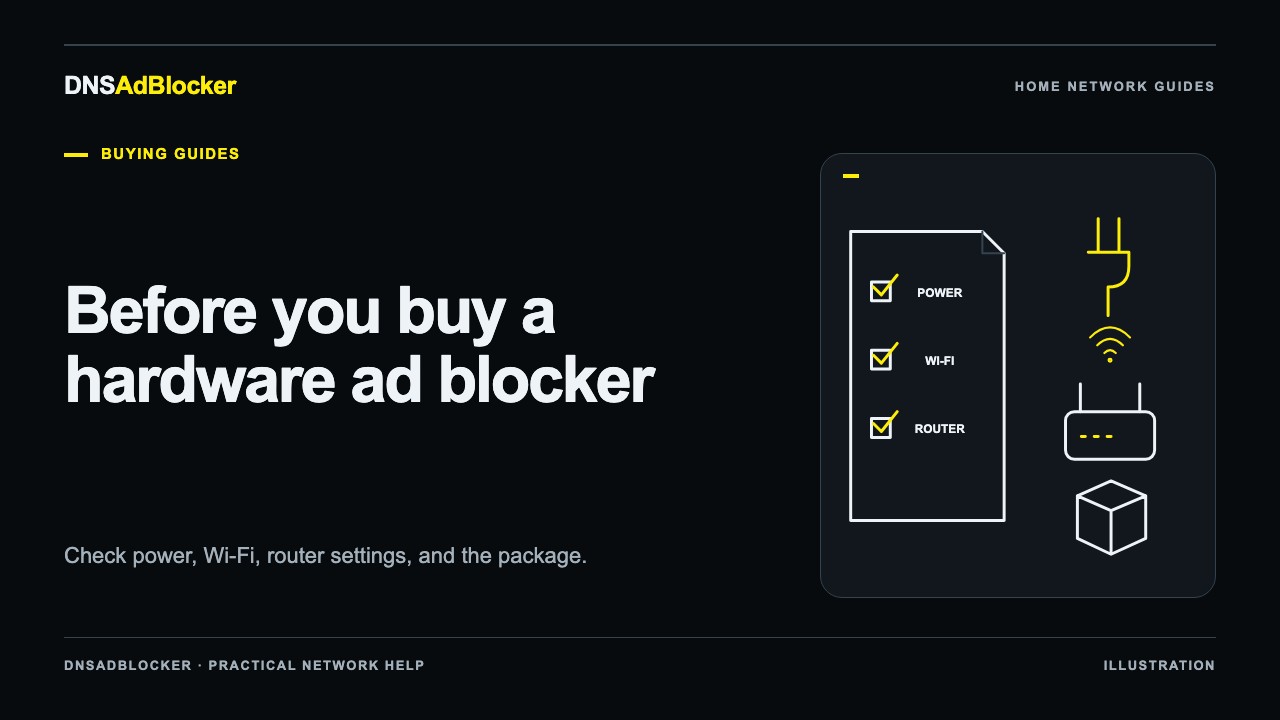
Preinstallation removes the initial server-software installation task. You still join it to Wi-Fi, keep its local address stable, and configure the clients that should use it. The hardware buying checklist covers power, the current black-case hardware, package details, and rule-update terms.
Choose by the work you want to own
If you enjoy managing a server and want detailed query investigation, compare the self-hosted options on a spare machine before moving household DNS. If you want filtering on a traveling phone, start by checking supported device configuration for a hosted service. If you want a separate local box with a smaller set of controls, assess dedicated hardware against your network.
For every route, run the router compatibility checks. Verify the actual model and firmware, check whether guest devices can reach the chosen server, and identify VPN or encrypted-DNS settings that may send requests elsewhere.
Questions before switching
Do I need to replace working Pi-hole hardware?
Often you can assess another supported software option on existing hardware, subject to its platform requirements. Check port conflicts and preserve your current configuration before changing services. A separate trial host avoids interrupting the resolver your household uses.
Is a public DNS address the same as a hosted filtering profile?
No. A public resolver may provide ordinary resolution or a fixed filtering policy. A configurable hosted profile can have account-specific settings. Check the provider's documentation rather than assuming every public address gives you personal controls.
Which option is fastest?
There is no measured winner in this guide. Your host, Wi-Fi, upstream resolver, cache state, and location affect results. Test on your own network if latency is a deciding factor, using the same queries and conditions for each candidate.
Official references
- Pi-hole prerequisites and post-install network configuration.
- AdGuard Home getting started.
- Technitium DNS Server platform and feature documentation.
- NextDNS service documentation and privacy policy.
Official pages were checked on October 19, 2026. This is a deployment comparison, not a hardware performance test.
Questions or corrections about this content can be sent to support@dnsadblocker.com.
All postsRelated posts
DNS filtering guides, home network setup notes, and product updates.