Local DNS vs Cloud DNS: Which Fits Your Home?
Compare local and cloud DNS filtering by maintenance, privacy, outages, home coverage, and travel use, with Pi-hole and NextDNS as documented examples.
Written by
DNSAdBlocker Team
The DNSAdBlocker team explains home DNS filtering, setup, and maintenance using product documentation and referenced platform guidance.
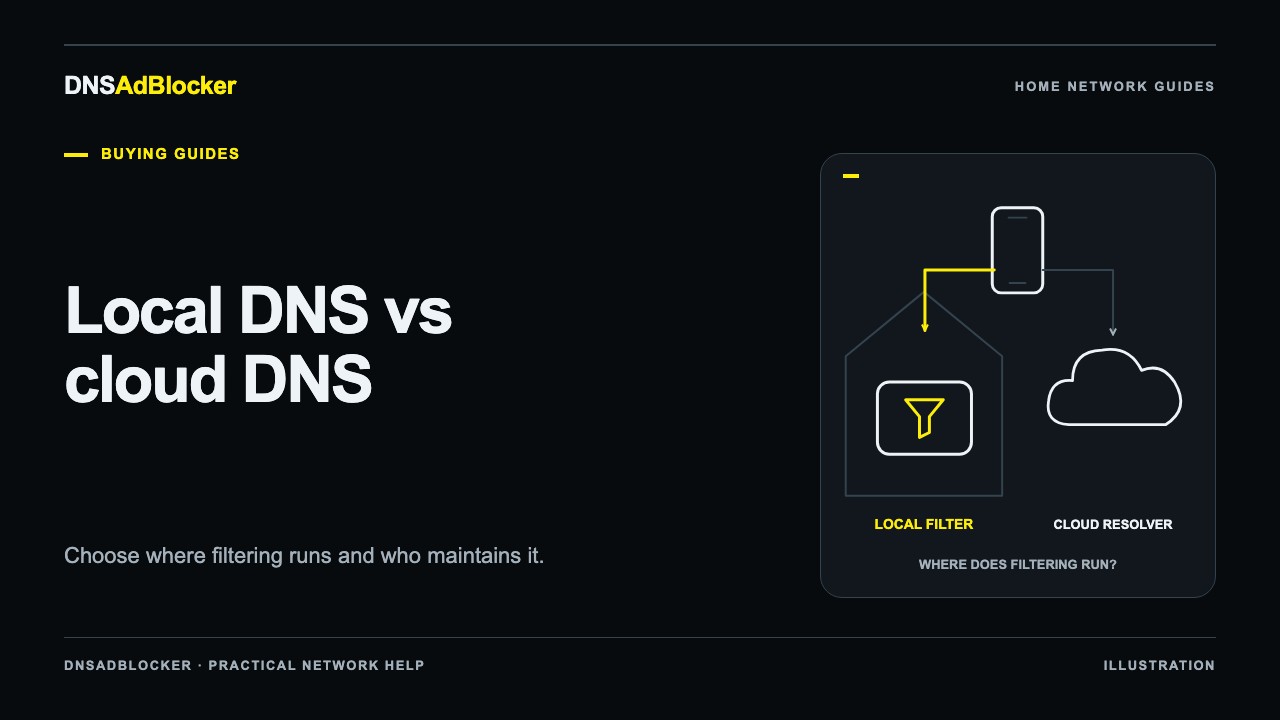
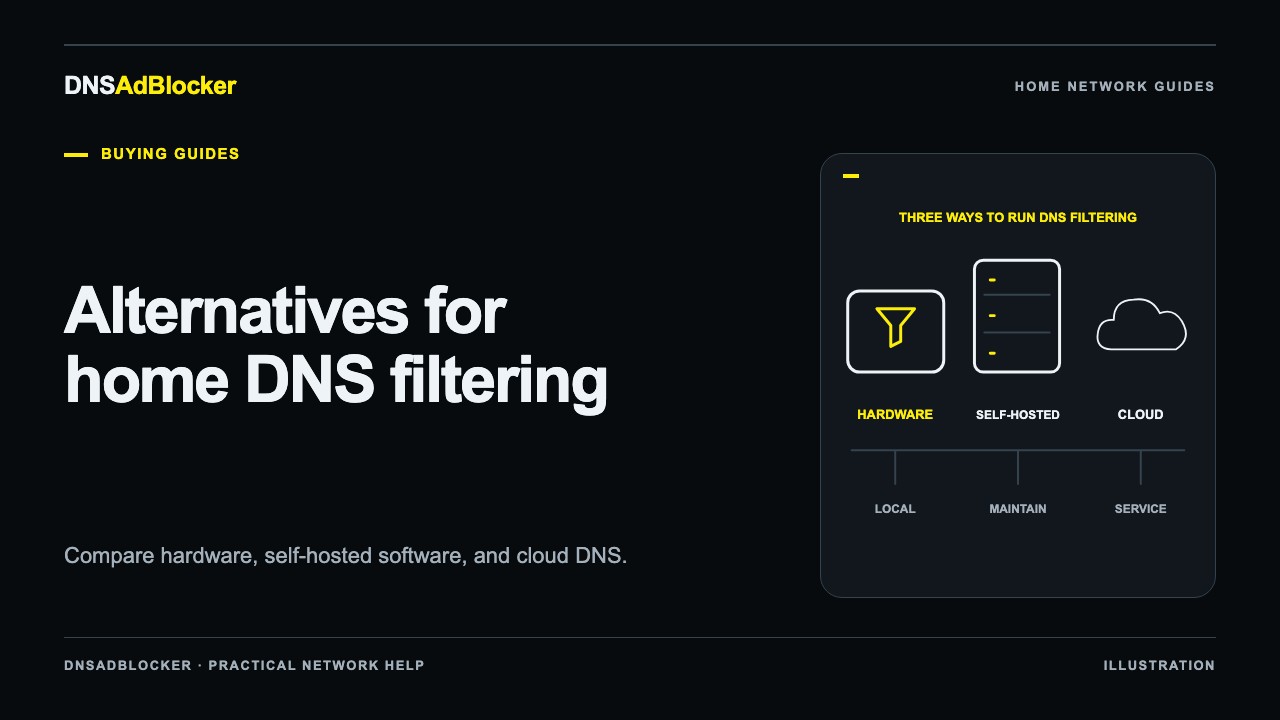
Local DNS filtering runs on a device or server you can reach on your home network. Cloud DNS filtering runs at a provider's resolver. Local filtering suits households that want to operate their own filter; cloud filtering suits people who prefer provider-managed servers or need supported phones to keep using a filtering profile away from home.
Neither location guarantees better privacy or complete coverage. You need to examine the upstream path, logging choices, and the resolver each device actually uses. Pi-hole and NextDNS make useful documented examples of these two arrangements, but the decision begins with your household's needs.
Follow one domain lookup
With a typical local filter, a laptop asks the home resolver for a domain. The filter checks its rules and either blocks the lookup or resolves an allowed domain through its configured resolution path. The filter may answer a cached request without making a new upstream request.
The local filtering decision does not mean all resolution remains inside the house. Pi-hole's installation and post-install documentation describe the local server and network configuration; your choice of upstream resolver is a separate part of that setup.
With a hosted filtering profile, a configured device sends its request to the provider. The provider applies that profile's rules and returns an answer. NextDNS documents configurable filtering and DNS-over-HTTPS and DNS-over-TLS support. The device still has to use the intended endpoint and profile.
Both arrangements operate on domains. They do not inspect the full contents of an HTTPS conversation simply by resolving a name. Our DNS tracking guide explains what that means for cookies, first-party tracking, and privacy expectations.
Who handles the work?
| Responsibility | Local filter, such as Pi-hole | Hosted service, such as NextDNS |
|---|---|---|
| Keeping the filtering server running | You maintain the device or host | The provider operates the remote servers |
| Home network setup | You configure a reachable local address and client DNS path | You configure a supported router or devices for the service |
| Filtering choices | You manage local lists and rules | You manage the profile's available filtering settings |
| Software maintenance | You update the host and filtering software as applicable | The provider maintains its servers; you maintain any client software |
| Logging choices | You control the local installation's logging configuration | You choose among the provider's documented logging settings |
| A phone on mobile data | Home-only DNS settings do not follow it | Supported device configuration can keep using the profile |
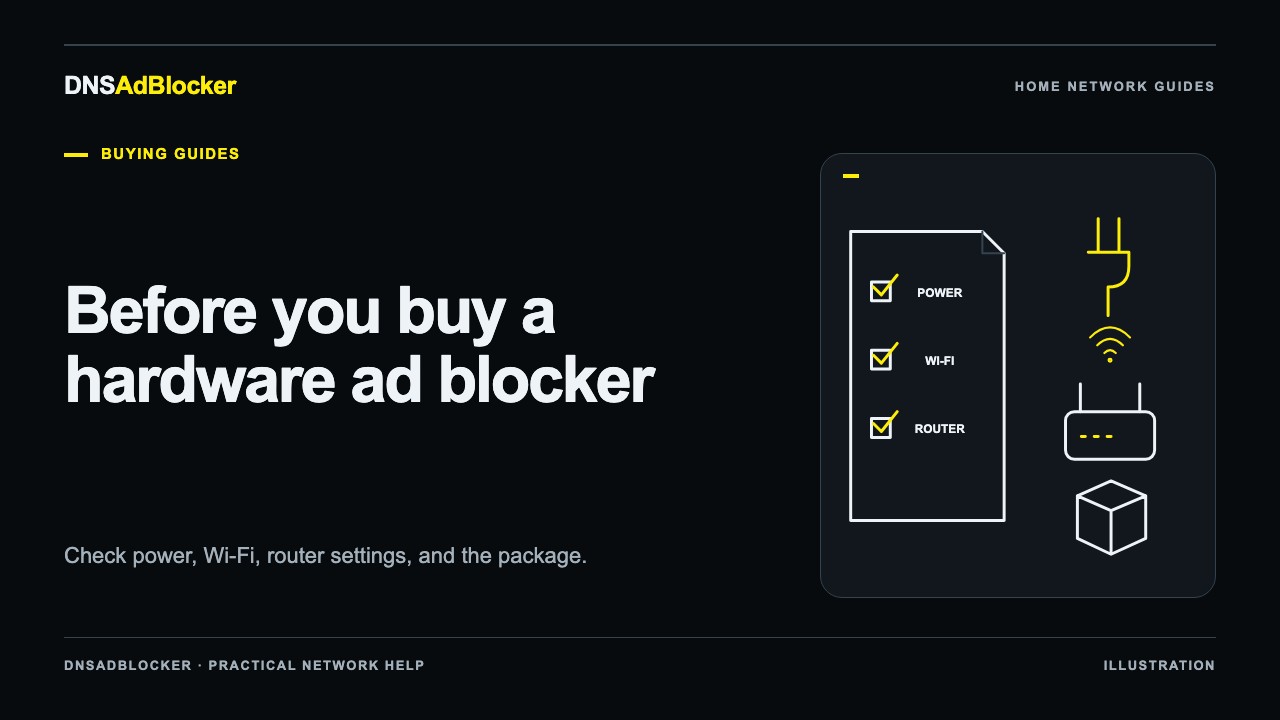
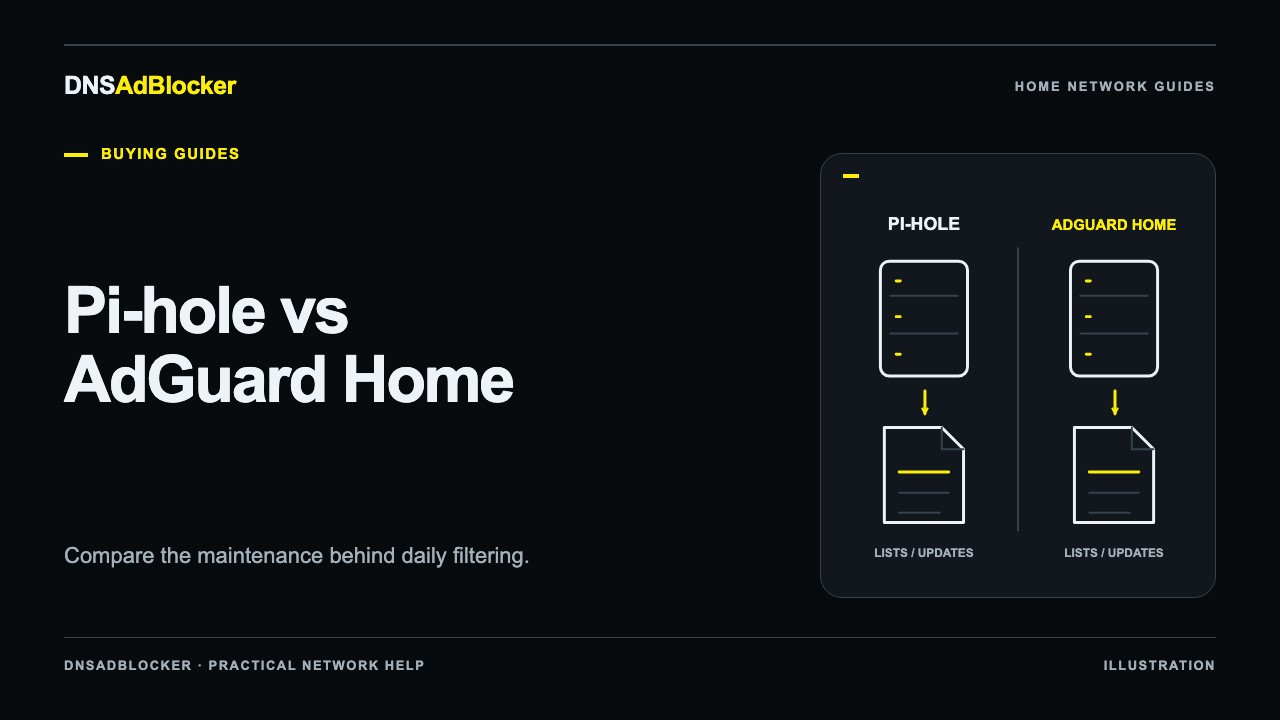
A dedicated local appliance changes how much installation work you do, but the local availability requirement remains. It still needs power, a network connection, and reachable DNS settings. If you are choosing among appliance, server software, and hosted service options, the Pi-hole alternatives overview compares those categories.
Compare failures you are willing to handle
If a local filtering device loses power, clients configured only to use it can lose DNS resolution. Existing connections and cached answers may continue temporarily, which can make the failure look inconsistent. Keep the previous or automatic DNS configuration available so you can restore a test device while diagnosing the problem.
If you use cloud filtering, turning off an unrelated computer at home does not turn off the provider's resolver. The service still depends on your device reaching the internet and the provider being available. A provider outage, a network restriction, or an incorrect endpoint can interrupt resolution.
If the household internet connection fails, neither choice restores access to remote websites. A local DNS service may still help resolve local names if you have configured that capability, but DNS answers do not replace an internet connection.
Do not treat a public unfiltered resolver beside a local filter as a guaranteed standby. Clients can choose among configured resolvers, and that can send normal traffic around the filter. If consistent filtering is your goal, any additional resolver needs an intentional, tested policy.
Think about a phone leaving the house
A home router's DNS configuration applies only while the phone uses that network and follows those settings. On mobile data, at work, or at a hotel, the phone has a different network path. A private home address is generally not a usable internet resolver address from those locations.
A hosted service can suit this pattern because compatible device settings or client software can use its reachable resolver on several networks. NextDNS documents that model and also maintains a CLI client for supported computers and routers. Check the current instructions for the actual device before assuming the profile follows every connection.
Connecting home through a VPN can make a local resolver reachable remotely when deliberately configured. That introduces VPN administration and DNS-routing choices. It is a separate setup, rather than a built-in consequence of buying local hardware.
Privacy depends on settings and trust
Local filtering gives you direct control over the local filter and whatever records that product stores. It also gives you responsibility for access to the dashboard and host. If allowed queries go to an external resolver, that resolver is part of your privacy decision.
Cloud filtering moves the filtering decision and any selected records to the provider. Read the provider's policy rather than assuming all hosted services retain the same data. NextDNS's privacy policy says it does not log data unless the user requests it and describes controls for retention and storage jurisdiction. Those are the provider's published terms, not a claim that cloud processing is identical to local processing.
Encryption is another separate choice. A supported encrypted DNS connection protects the query on that transport path; the resolver still processes the domain. A local device using ordinary DNS upstream does not become encrypted because it is physically in your house.
Match the arrangement to your household
| Your main need | Start by evaluating | Confirm before adopting it |
|---|---|---|
| You want to manage local filtering and enjoy maintaining a host | A local software installation | Host availability, update process, upstream choice |
| You prefer a separate box over a general-purpose server | Dedicated local hardware | Network compatibility, actual controls, update terms |
| Several phones need filtering on mobile data | Hosted filtering with supported device setup | Profile selection, VPN interactions, behavior across networks |
| You need local service names or custom internal DNS | A solution with documented support for that task | Whether the exact local naming arrangement works |
| You want minimal server administration | A hosted service | Provider policy, current plan limits, client maintenance |
For a local purchase, run the router compatibility checklist first. For either arrangement, check whether a browser or VPN selects its own resolver. The secure-DNS bypass guide explains how a device can look correctly configured while an application takes another path.
Questions that change the decision
Can I use local filtering at home and cloud filtering on my phone?
Yes, if you deliberately configure each connection and understand which profile applies. Test after switching Wi-Fi off and on. Avoid assuming that a local and a cloud configuration use the same lists or exceptions.
Does a cloud service require an app on every device?
It depends on the supported configuration. Some devices can use native encrypted-DNS settings; some routers can distribute or forward DNS for home clients. Follow the provider's instructions for each platform and test what happens away from that router.
Is local DNS always faster?
No universal result follows from location alone. Cache state, Wi-Fi quality, the upstream resolver, and the provider's network all matter. Compare repeatable queries on your actual network if DNS response time is important to your choice.
Official references
- Pi-hole prerequisites and post-install configuration.
- NextDNS features and supported use cases, privacy policy, and CLI documentation.
These sources were checked on October 19, 2026. The comparison does not claim a measured speed, availability, or privacy ranking.
Questions or corrections about this content can be sent to support@dnsadblocker.com.
All postsRelated posts
DNS filtering guides, home network setup notes, and product updates.