Back to blog
Troubleshooting
Follow DNS requests, isolate bypass settings and recover connectivity when something stops working.
All categoriesBuying Guides5DNS Basics5Everyday Use5Setup Guides5Troubleshooting5Updates & Maintenance5
Restore an interrupted task first, then isolate one change at a time. Follow the resolver path before adding rules or changing settings across the household.
- DNS Ad Blocker Not Blocking Ads? Follow the Request Path
- Is Secure DNS Bypassing Your Local Ad Blocker?
- A Website Stopped Working After DNS Blocking: Find the Cause
- No Internet After Changing DNS? Restore Access First
- IPv6 and DNS Ad Blocking: Check Which Resolver Your Device Uses
For product-specific connection requirements, use the Home DNS Ad Blocker setup guide.
Troubleshooting2026/10/19
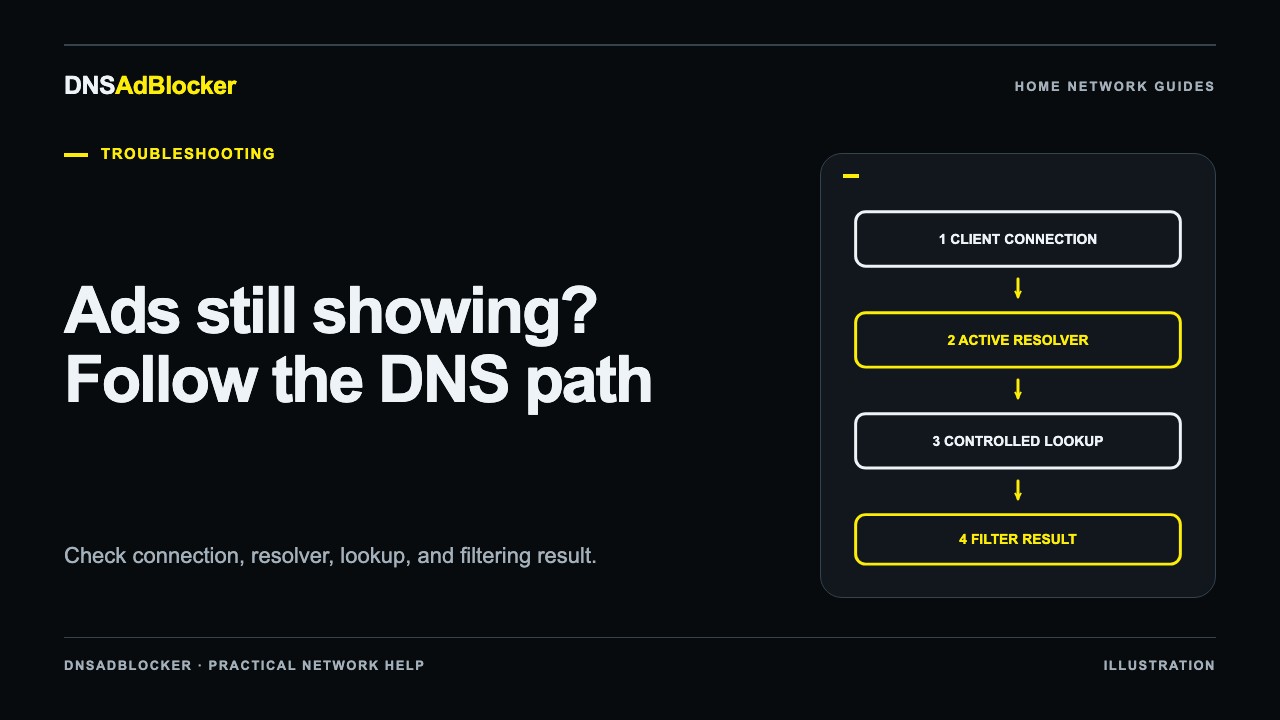
DNS Ad Blocker Not Blocking Ads? Follow the Request Path
Find why ads still appear by checking one device, its active DNS resolver, dashboard counters, cached answers, and the limits of domain-based filtering.
Troubleshooting2026/10/19
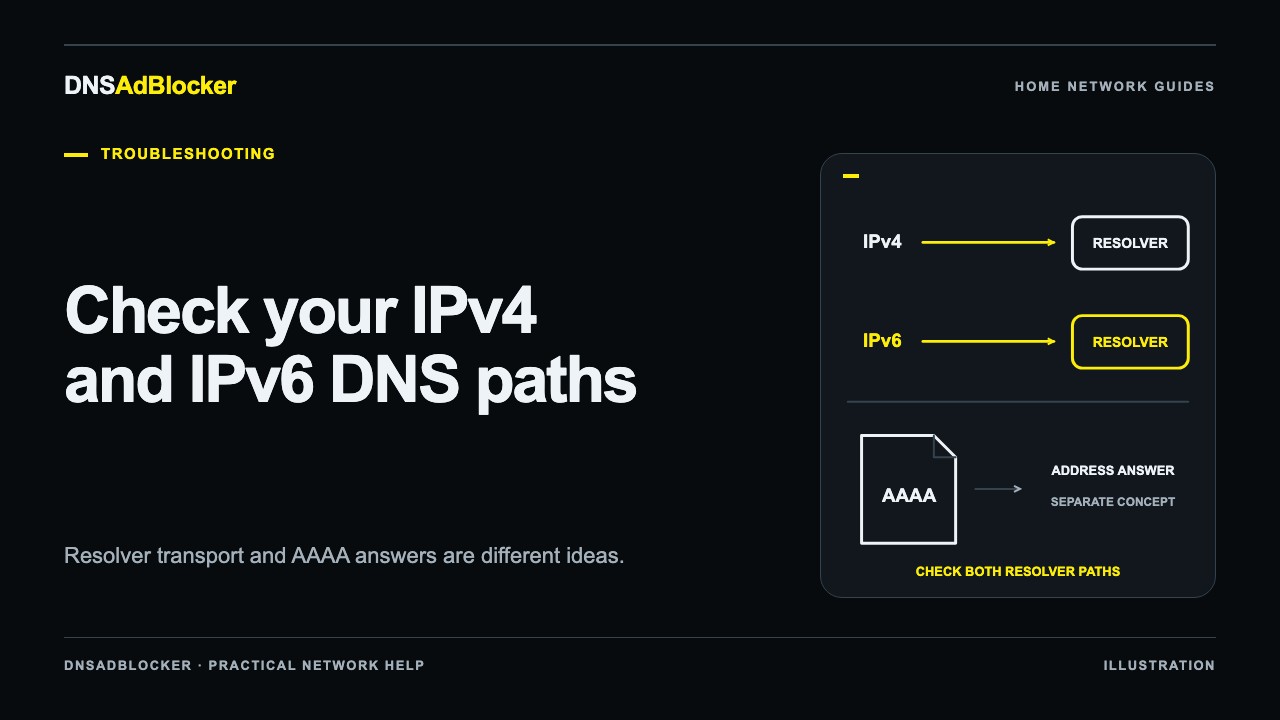
IPv6 and DNS Ad Blocking: Check Which Resolver Your Device Uses
Separate IPv6 DNS transport from AAAA answers, inspect the resolvers your network advertises, and trace filtering without disabling IPv6 as a general fix.
Troubleshooting2026/10/19
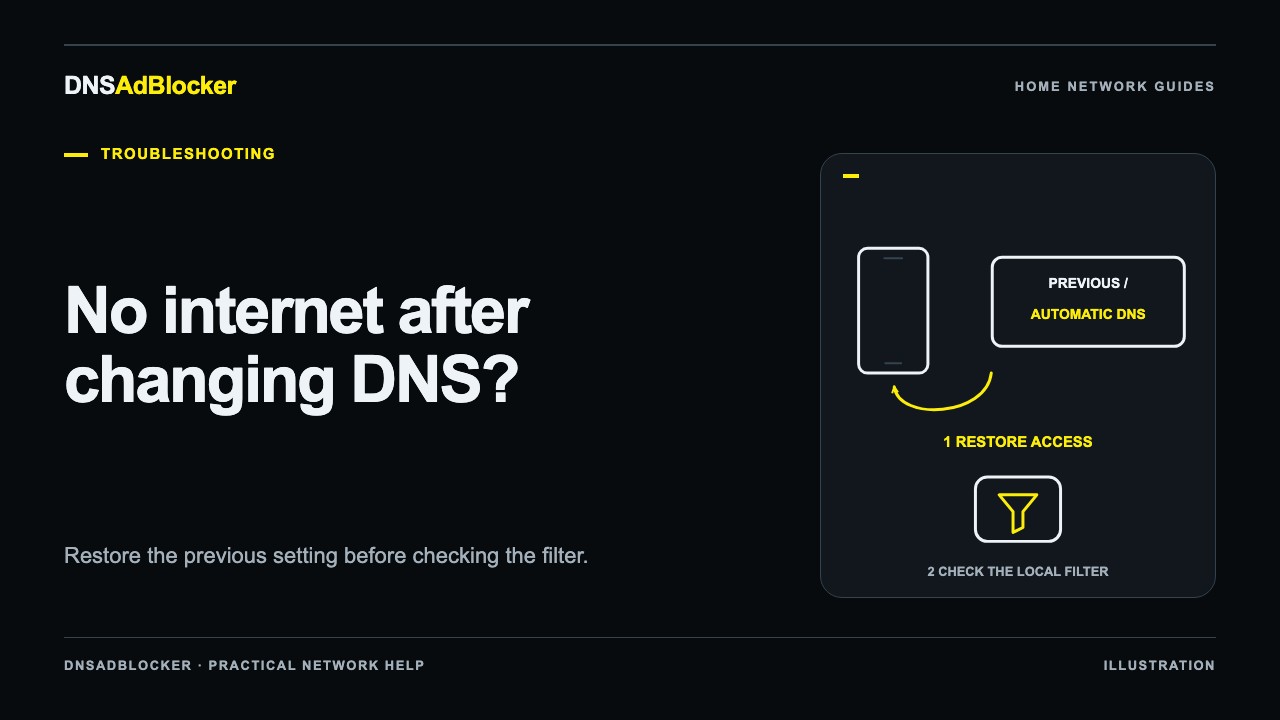
No Internet After Changing DNS? Restore Access First
Restore one device to its previous DNS settings, separate lookup failures from connection problems, and check the local filter before applying DNS again.
Troubleshooting2026/10/19
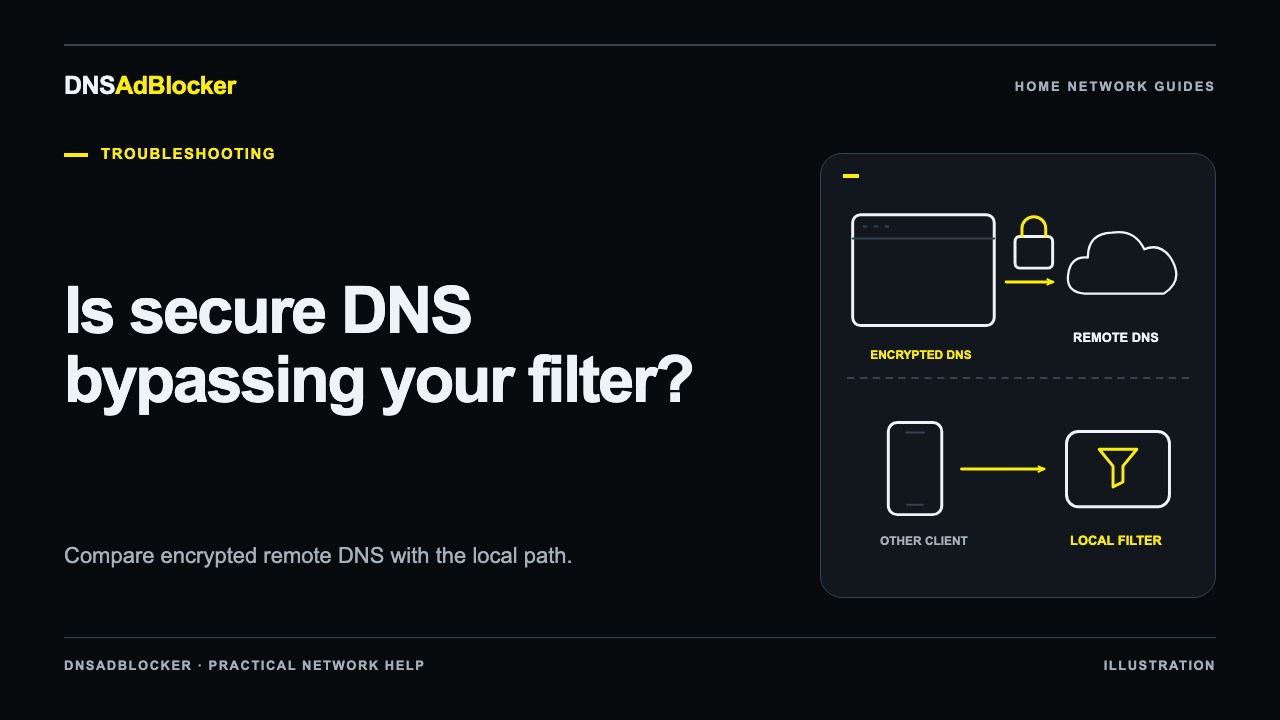
Is Secure DNS Bypassing Your Local Ad Blocker?
Check whether browser Secure DNS, Android Private DNS, or a VPN uses a separate resolver, then compare privacy and local filtering before changing settings.
Troubleshooting2026/10/19
A Website Stopped Working After DNS Blocking: Find the Cause
Find whether a broken website is caused by DNS filtering, identify the failing dependency, and recover access without assuming a general allowlist exists.
Questions or corrections about this content can be sent to support@dnsadblocker.com.