For one home
1 device
$19USD
One unit for your household
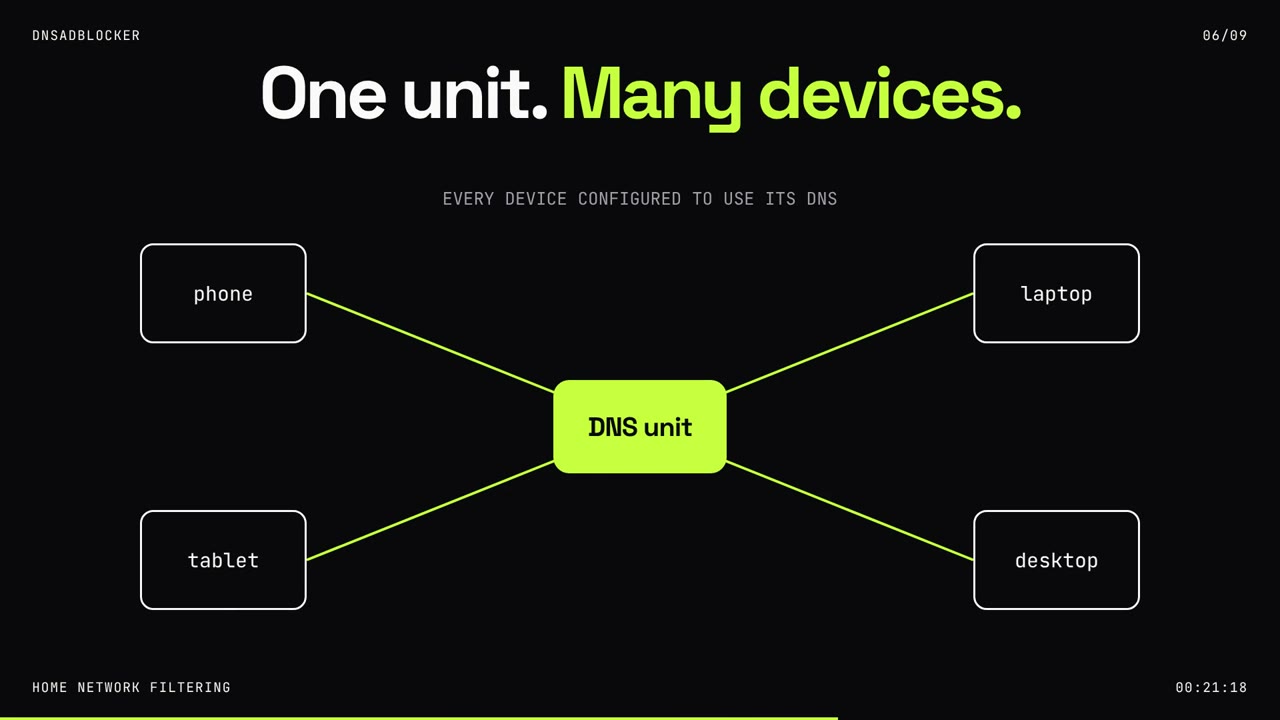
One DNS Ad Blocker for compatible devices on your home network.
- Black case, no screen
- 1 year of rule updates included
- Free worldwide shipping
Home network filtering
Reduce requests to listed ad and tracking domains across your home devices. Router or device DNS setup required.
Product illustration. DNS setup required. Some ads remain.
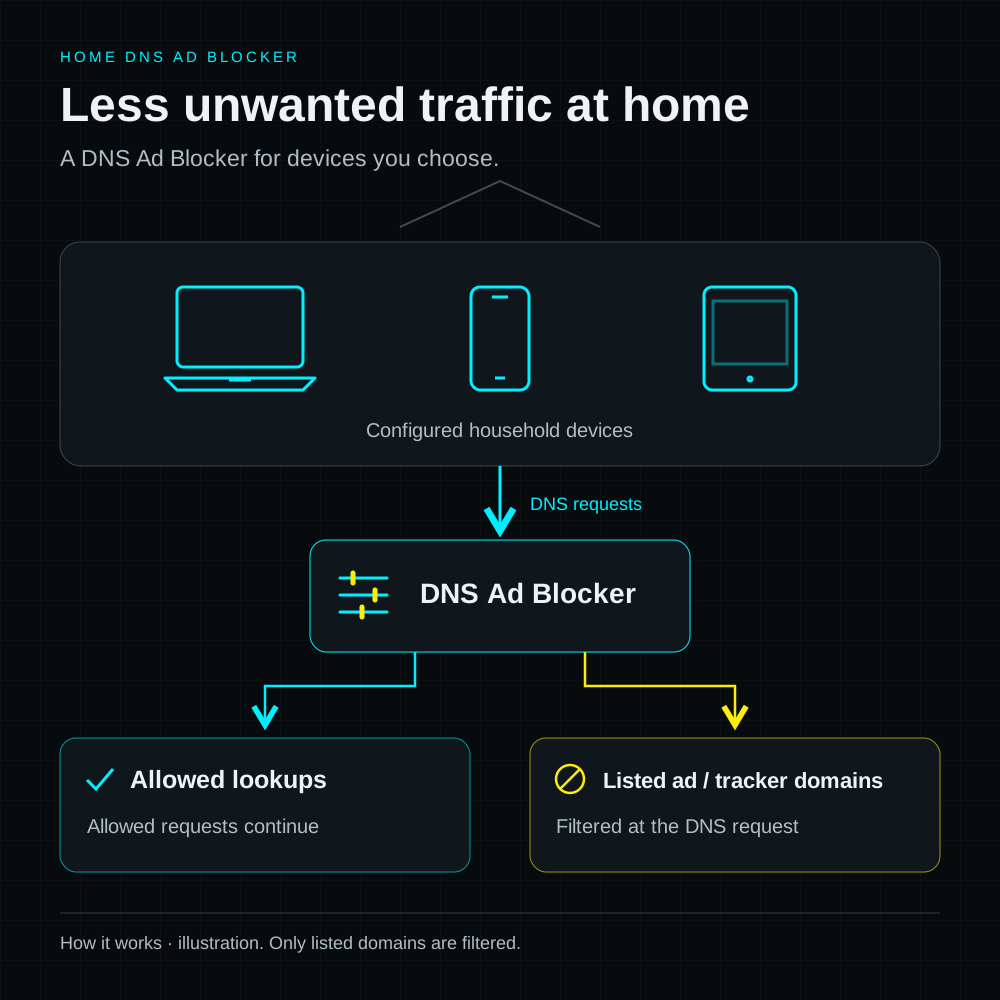
This illustration follows a DNS request through a list check. Requests to listed ad and tracking domains can be blocked; other requests continue. Ads served from the same domain as the content, including some video and in-app ads, can remain.
Approximately 100,000 rules come preloaded, and hardware includes its first year of rule updates. One unit can serve multiple compatible devices configured to use its DNS. The local English dashboard lets you review DNS activity, add blocked domains, update filtering lists, or pause filtering from your browser.
Setup has three steps: connect USB power, connect to 2.4 GHz Wi-Fi, then configure DNS on a compatible router or individual devices. Your existing router continues to run your network.
One unit can filter multiple devices configured to use its DNS. Choose extra units for another home, a gift, or a spare.
For one home
$19USD
One unit for your household
One DNS Ad Blocker for compatible devices on your home network.
Prices are pack totals in USD. Each unit has a black case and no screen. Review your pack, delivery details, and final total at checkout.
Your DNS Ad Blocker checks requests against its filtering list and blocks listed ad and tracking domains before a connection is made.
Approximately 100,000 rules come preloaded. One year of rule updates is included with your hardware.
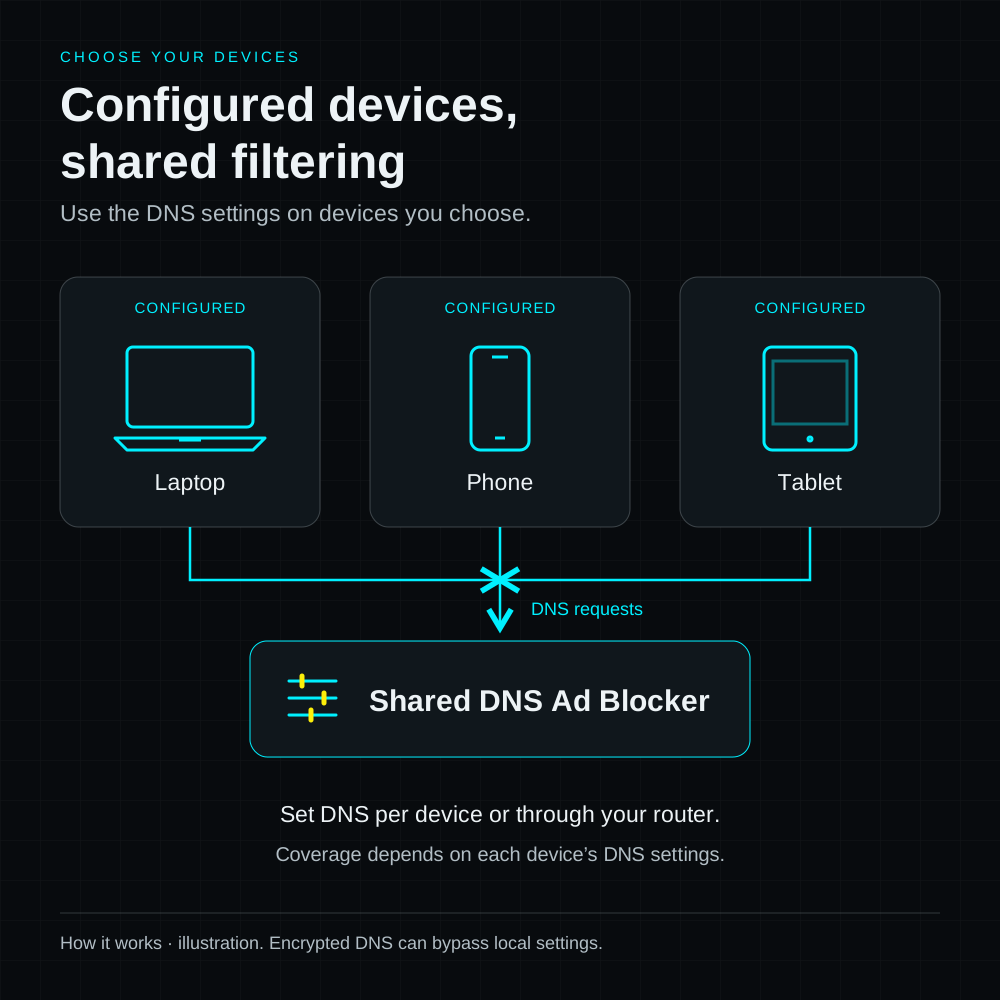
One unit can serve compatible phones, tablets, and computers configured to use its DNS. You do not need a separate unit for each device.
Connect to USB power and 2.4 GHz Wi-Fi, then configure DNS on your router or individual devices. Your existing router continues to run your network.
Open the local English dashboard to review DNS activity, add blocked domains, update filtering lists, or pause filtering.
If a website stops working, pause filtering and try it again to check whether a blocked domain is the cause.
See how filtering works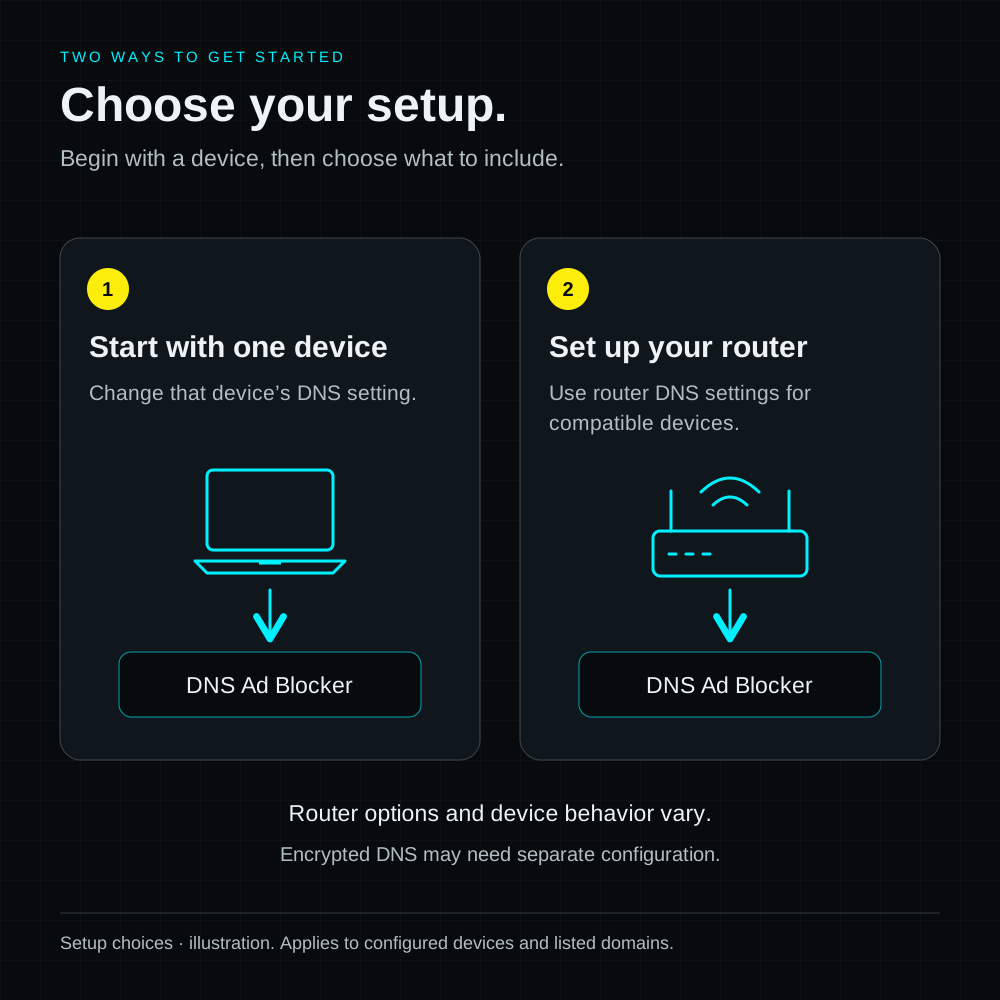
Set up one compatible device first and test the websites and apps you use. Add more devices when you are happy with the results.
If your router supports a local DNS server, configure it there. Otherwise, check whether you can change DNS on each device. The setup guide explains both options.
Use your DNS setup on family tablets, shared computers, and other compatible devices. Coverage depends on their DNS settings.
Filter listed ad and tracking domains on the family devices you configure.
Read the guideFilter listed domains from compatible apps that use your DNS settings.
Read the guideConnect USB power and 2.4 GHz Wi-Fi, then configure DNS on your router or devices. Only requests sent to this DNS setup can be filtered; some video and in-app ads will remain.
Answers about device compatibility, setup, filtering limits, and what your pack includes.
One ad blocker serves multiple devices using its configured DNS. It blocks requests to listed advertising and tracking domains. Connect it to USB power and 2.4 GHz Wi-Fi, then use compatible router settings or configure devices individually. DNS configuration is required.
No. DNS filtering cannot reliably separate ads from content served by the same domain, including many video and app ads. It also does not stop every form of tracking. Results depend on the filtering lists and how your devices connect.
Your router or individual devices must let you change DNS settings. Devices using encrypted DNS, custom DNS, some VPNs, or another network may bypass filtering. Check your router model and intended devices in the setup guide before ordering.
1 device: $19; 2 devices: $34.90; 3 devices: $49.90, all in USD. Every unit has a black case and no screen; only the pack size is selectable. One unit can serve multiple configured devices; multi-device packs are for separate homes, gifts, or spares. Hardware ships worldwide for free. Check the product page for the included accessories.
Open the local English dashboard from your home Wi-Fi to see blocked and allowed DNS requests, add custom blocked domains, or pause filtering. Per-device counts depend on how your router forwards DNS. Your website account is for orders and rule-update access, not remote device control.
The device comes preloaded with approximately 100,000 filtering rules. One year of rule updates is included with hardware, so you do not need to add it again. Download from a completed hardware or annual rule-update order within one year of its payment date. The separate annual product is a one-time US$4.99 payment. It does not include hardware or firmware upgrades.
No. Buy another annual product when you need a new period. Each qualifying order has one year from its own payment date and must be completed to allow downloads. A later order does not stack time onto an earlier one. Access is based on eligible orders, not a device binding.
Download a compatible blocklist.bin rule file from your eligible completed order and upload it in the local dashboard. The dashboard also supports periodic checks and Fetch now when a rule-file URL is provided. A scheduled check does not mean new content is published every time. Firmware upload is a separate control; the annual product covers filtering rules.
Choose a 1-, 2-, or 3-device pack from the homepage pricing cards. Every unit has a black case and no screen. On the product page, select your pack, then select Buy now. Pay with PayPal and review the selected devices, delivery details, taxes, and final total at checkout. Hardware includes free worldwide shipping and its first year of rule updates.