Back to blog
Setup Guides
Start with one device, choose where to set DNS, and keep a clear route back to your previous settings.
All categoriesBuying Guides5DNS Basics5Everyday Use5Setup Guides5Troubleshooting5Updates & Maintenance5
Begin with one client and keep a copy of the previous settings. Once you can verify its resolver and ordinary browsing, decide whether to expand filtering through the router.
- Router DNS vs Device DNS: Where Should You Configure Ad Blocking?
- Give Your Home DNS Server a Stable IP With a DHCP Reservation
- How to Change DNS on Windows 11 for a Local Ad Blocker
- How to Change Wi-Fi DNS on an iPhone or iPad
- Android Private DNS vs Wi-Fi DNS for a Local Ad Blocker
For product-specific connection requirements, use the Home DNS Ad Blocker setup guide.
Setup Guides2026/10/19
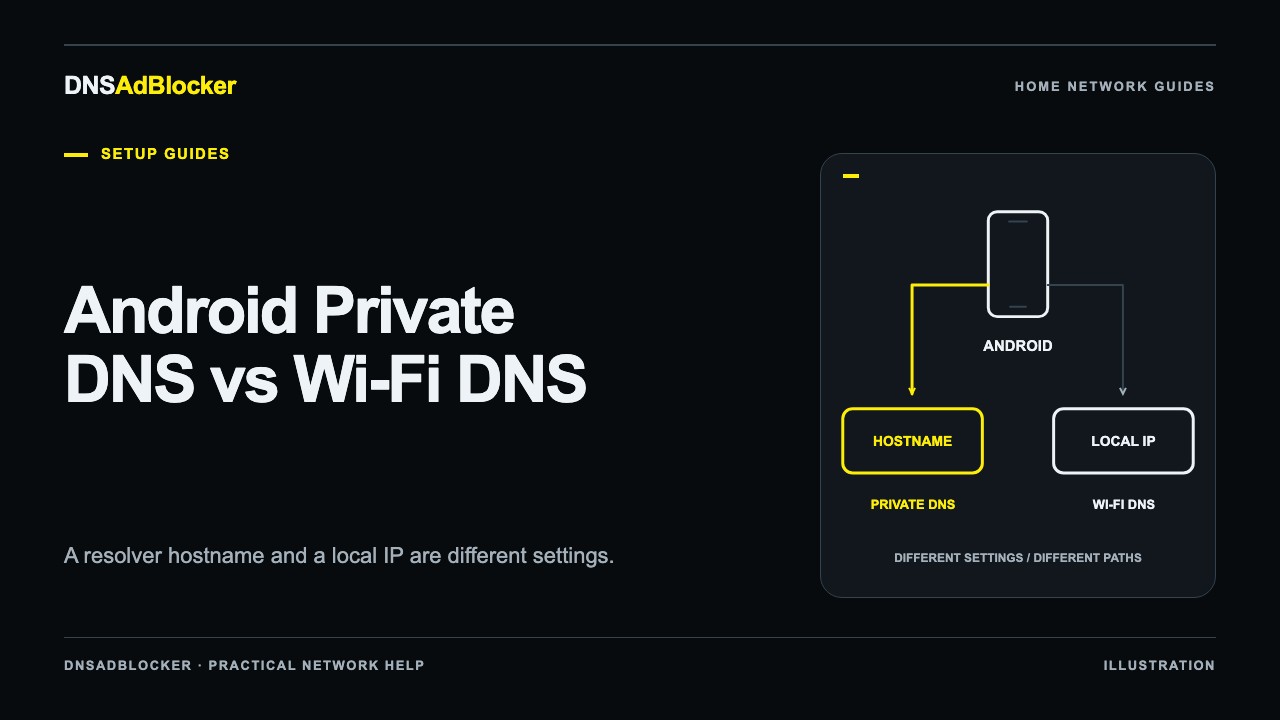
Android Private DNS vs Wi-Fi DNS for a Local Ad Blocker
Understand Android Private DNS hostnames and local Wi-Fi DNS addresses, check VPN overrides, test your home filter, and restore the previous phone settings.
Setup Guides2026/10/19
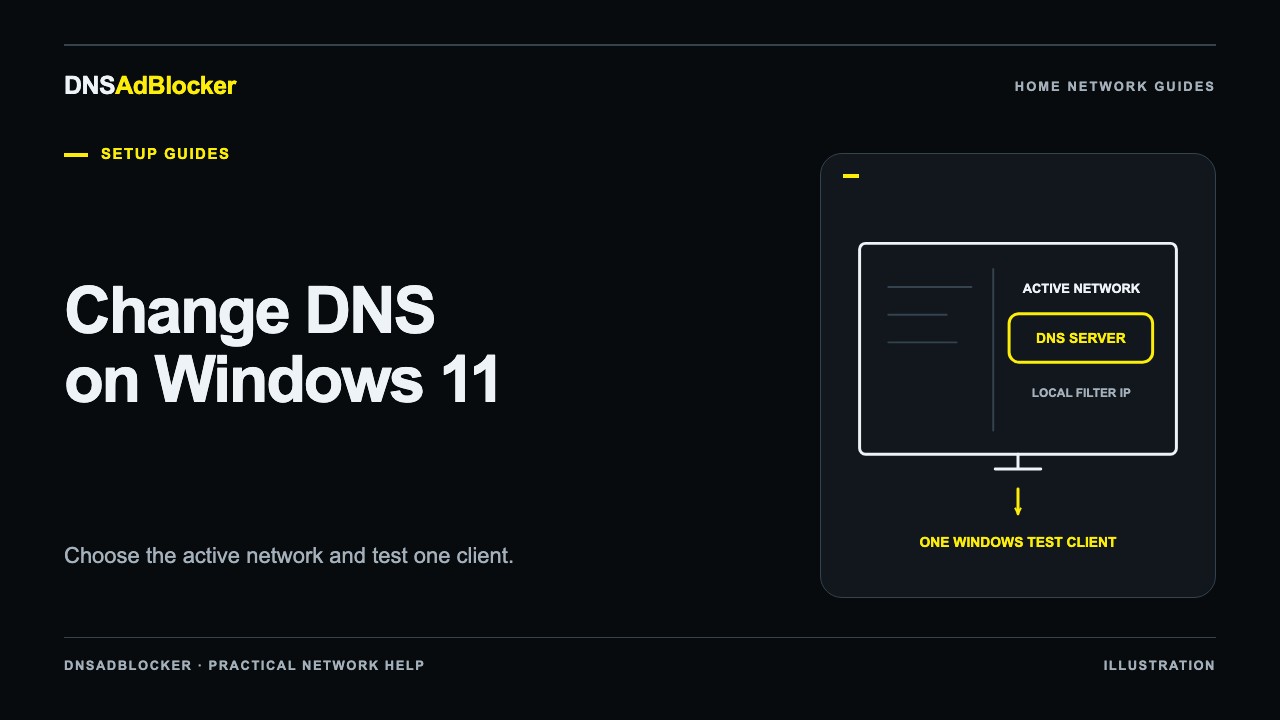
How to Change DNS on Windows 11 for a Local Ad Blocker
Set Windows 11 DNS to a local ad blocker, identify the active adapter, check encrypted DNS and VPN overrides, test requests, and restore your previous settings.
Setup Guides2026/10/19
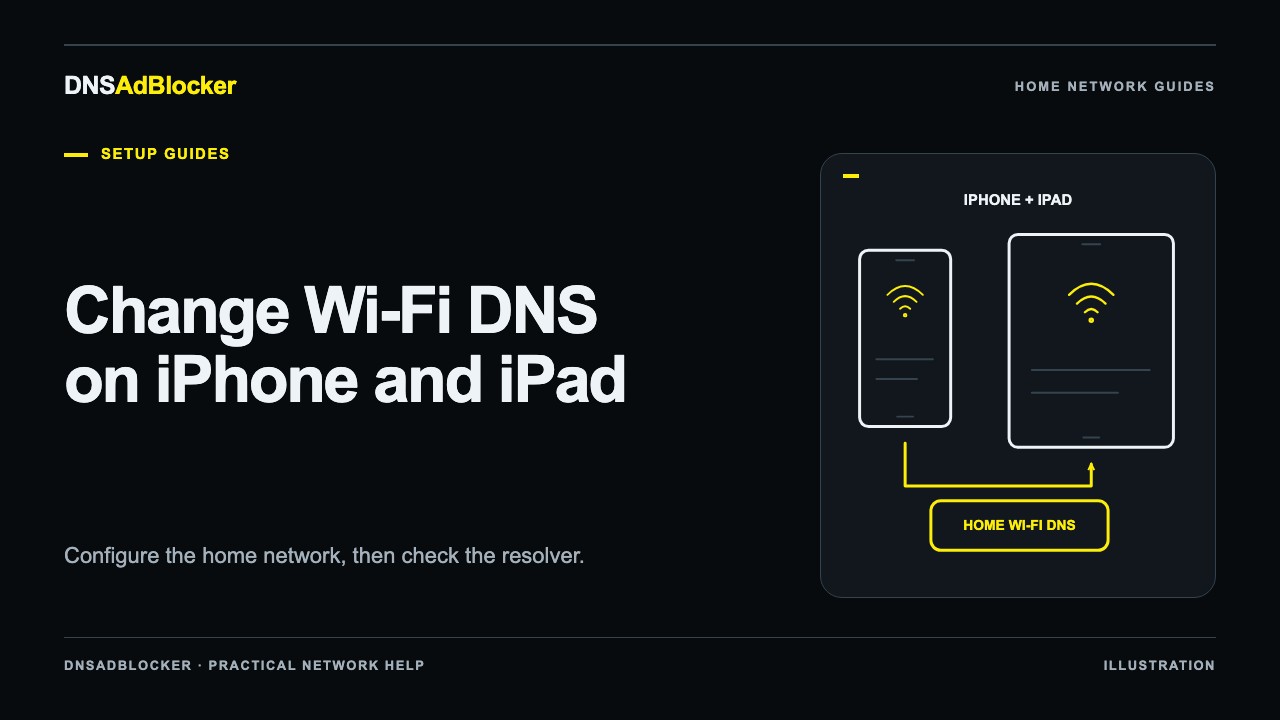
How to Change Wi-Fi DNS on an iPhone or iPad
Change DNS for one iPhone or iPad Wi-Fi network, test the local filtering path, understand mobile data and privacy limits, and restore automatic DNS safely.
Setup Guides2026/10/19
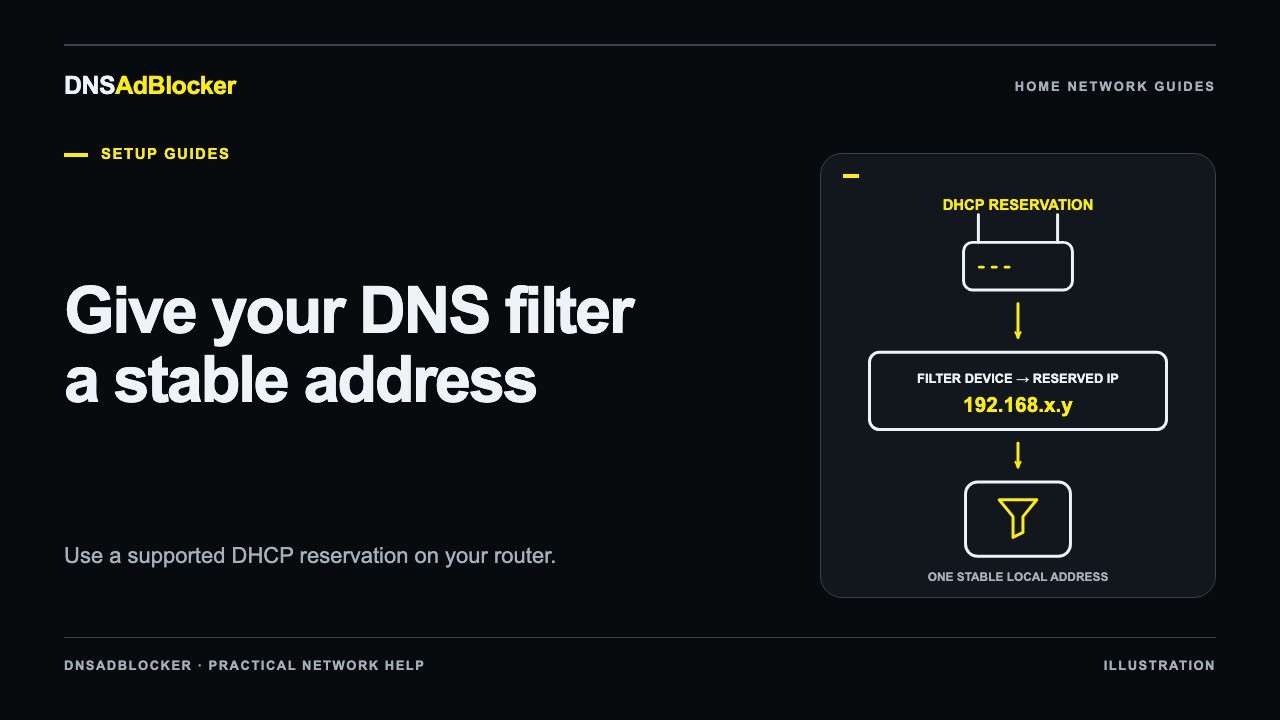
Give Your Home DNS Server a Stable IP With a DHCP Reservation
Reserve a stable local IP for your home DNS server, compare DHCP reservations with static addresses, check for conflicts, and verify the address after a restart.
Setup Guides2026/10/19
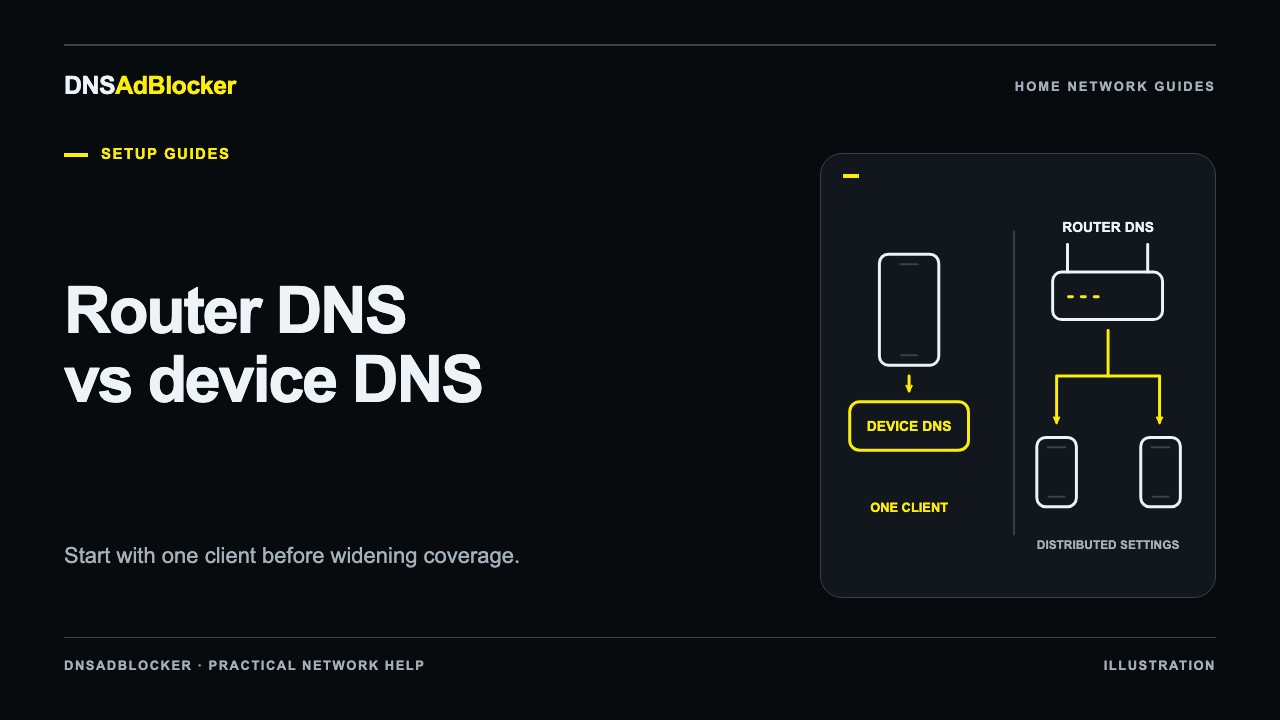
Router DNS vs Device DNS: Where Should You Configure Ad Blocking?
Choose between device DNS and router DNS, test one client before changing the household, avoid public secondary DNS bypasses, and keep a clear recovery path.
Questions or corrections about this content can be sent to support@dnsadblocker.com.