Pi-hole vs AdGuard Home: Compare Setup, Updates, and Daily Use
Compare Pi-hole and AdGuard Home through installation, query checks, blocklist maintenance, updates, and the routine work of fixing a broken website.
Written by
DNSAdBlocker Team
The DNSAdBlocker team explains home DNS filtering, setup, and maintenance using product documentation and referenced platform guidance.
Pi-hole and AdGuard Home can both filter domain requests for home devices configured to use them. Choose between them by checking the host you can maintain, the installation method you prefer, and how their daily controls fit your work. Neither gains the ability to remove every advertisement simply because you choose it over the other.
Pi-hole documents installation on supported Linux distributions and a separate Docker route. AdGuard Home documents downloadable platform-specific releases, installation as a service, and official Docker and Snap options. Once either is running, the household still needs a reliable DNS path to it.
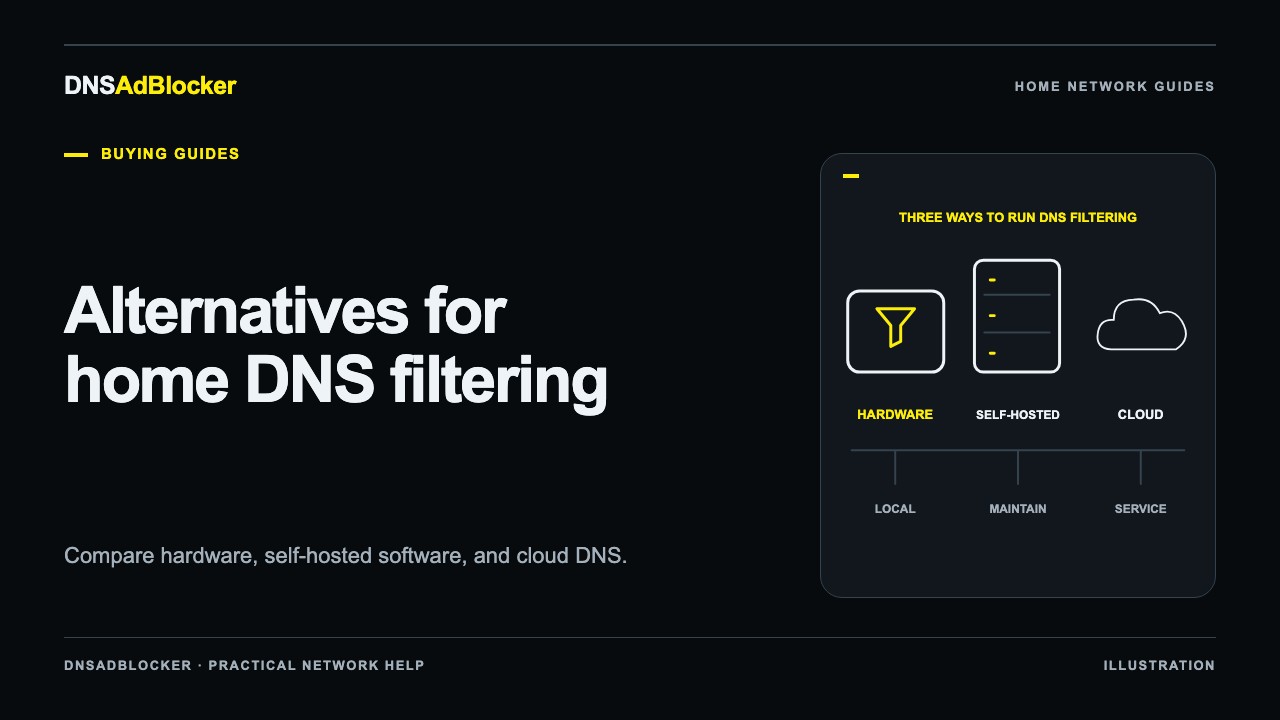
This comparison focuses on those two software projects. For hardware and hosted options, use the broader Pi-hole alternatives guide.
Begin with a host that will stay available
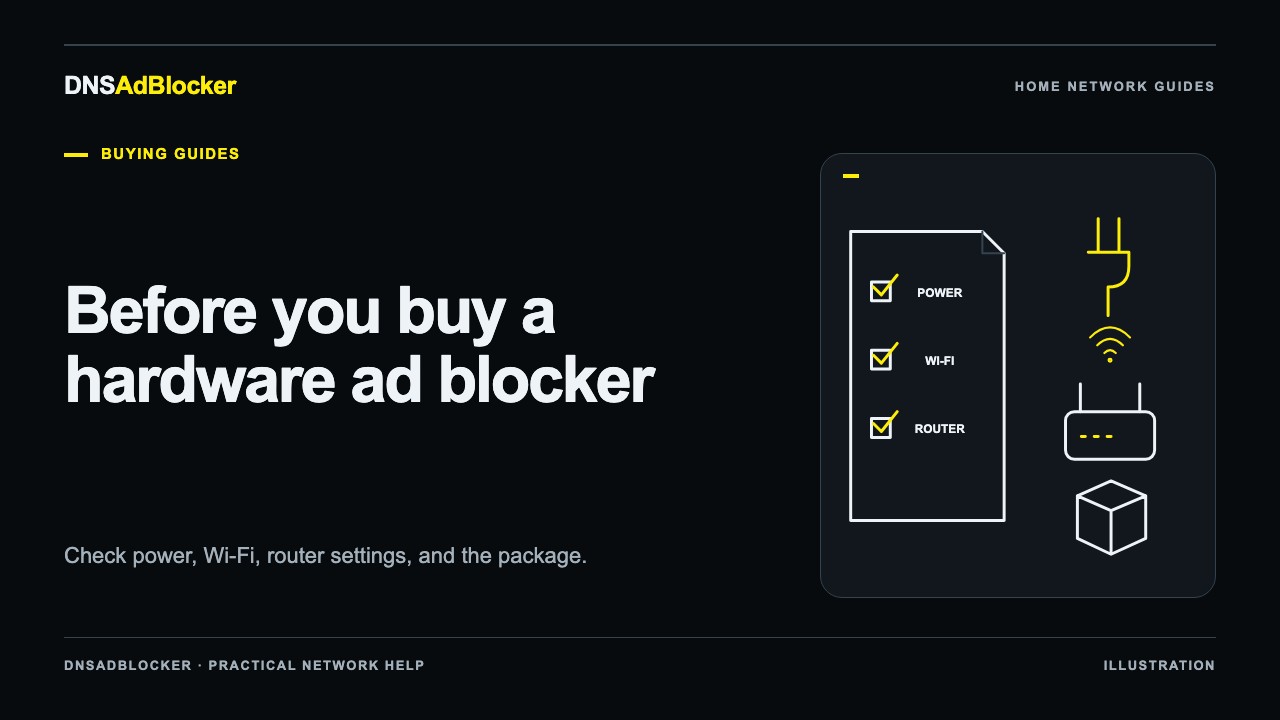
Pi-hole's prerequisites specify supported operating systems, a stable IP address, and available service ports. They explicitly say a Raspberry Pi is optional: other hardware running a supported operating system can work. A DHCP reservation is an acceptable way to keep the address stable.
AdGuard Home's installation guide describes choosing a release for your platform, running the first configuration wizard, and installing the program as a service. Its documentation includes Windows service installation and platform-specific notes for macOS and Linux.
Check what is already using DNS port 53 before installing either server. A machine that already runs a DNS service may need a deliberate interface or port arrangement. Do not copy a command that disables an existing resolver without understanding how that machine currently gets DNS.
For both products, consider what happens during host sleep, reboot, or maintenance. A machine you switch off every evening is a poor dependency for devices that need DNS throughout the evening.
| Decision | Pi-hole | AdGuard Home |
|---|---|---|
| Regular installation | Check its supported Linux distribution and architecture list | Choose a release for the supported platform and install the service |
| Container installation | Follow Pi-hole's Docker configuration and upgrade guidance | Official Docker image; update through the container deployment |
| Network address | Stable address required | Clients need a reachable server address that remains predictable |
| Client setup | Router DHCP DNS or supported device configuration | Router DHCP DNS or supported device configuration |
| Daily diagnosis | Query records and domain/list controls | Query log and filtering controls |
| Update process | Regular install uses the documented updater; Docker has its own process | Regular install can offer an update button; container/package methods differ |
This table describes documented workflows. It does not establish which interface you will prefer or which host will answer faster.
Compare them using an ordinary day
Imagine a phone opens a news app, a TV checks for updates, and a laptop loads a shopping site. Both servers will see the DNS queries that actually reach them. Neither can show requests sent to a different resolver by a VPN or a browser's encrypted-DNS configuration.
For a useful trial, configure one test device and perform a repeatable action. Check whether its request appears in the chosen product's query view. If the router forwards queries on clients' behalf, the recorded source may be the router. That is a topology question before it is a software fault.
Inspect the domain, result, and relevant rule rather than choosing a winner by the highest blocked percentage. Repeated background requests can raise the percentage without representing more visible advertisements removed. Our guide to understanding DNS request counts explains the difference between a request count and a page-level result; its DNSAdBlocker dashboard examples are separate from the query logs in these projects.
Keep filtering-data changes separate from software updates
There are two maintenance calendars. Blocklist changes alter which domains your configuration blocks. Software updates alter the resolver and management program. Your host operating system has its own updates as well.
Pi-hole's update instructions document pihole -up for a regular installation and direct Docker users to the separate container upgrade guidance. The project recommends reading release notes, particularly for major changes.
AdGuard Home documents an update notification and an Update now button for applicable installations, plus manual and command-line methods. Its getting-started guide says Docker, Home Assistant, and Snapcraft installations use their deployment's update process instead of that built-in automatic update path.
Before an update, keep the current configuration and a route back to working DNS. Afterward, test an allowed domain and a rule you expect to block. A running management page alone does not prove clients are still using the intended server.
Do the same after changing lists. Adding more sources increases the set of domains considered for blocking; it does not guarantee a better experience. Keep enough notes to identify the source of a later false positive.
What happens when a shopping site breaks?
Both projects provide controls to investigate and adjust domain filtering. AdGuard Home's FAQ specifically walks through checking the active resolver, looking for a request in its query log, and reviewing filters and exceptions. Pi-hole's domain database documents how domains and lists participate in its filtering configuration.
Use a small test rather than disabling every protection indefinitely:
- Repeat the exact failing action, such as submitting a cart, rather than only opening the homepage.
- Compare with filtering temporarily paused to see whether DNS blocking is involved.
- Inspect the relevant queries and identify a candidate dependency.
- Apply the smallest appropriate rule change in that product, then repeat the action and test another site.
- Record the reason for the exception so you can revisit it later.
An outage, a browser extension, or a payment provider failure can also break a page. Do not assume every failed request is a blocklist problem. The broken-website diagnostic guide explains that isolation process. Its device-specific recovery instructions should not be substituted for either project's own controls.
Choose the maintenance arrangement you prefer
Pi-hole is worth considering if its supported Linux or Docker setup fits the system you already run and you want its documented administration model. AdGuard Home is worth considering if its release format and platform support fit your host or you prefer its configuration workflow. Try the interface against a real task before moving the whole network.
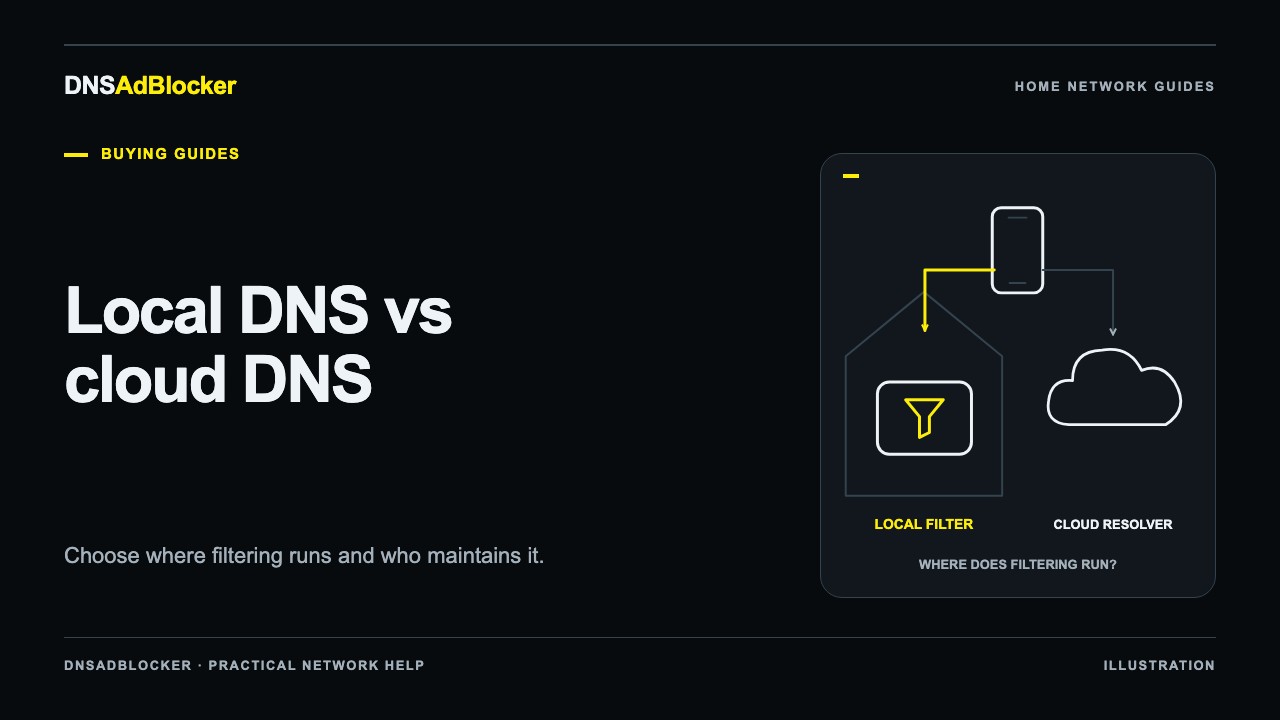
If you do not want to maintain a general-purpose host at all, the decision expands beyond these two programs. Local versus cloud DNS compares who runs the server and what follows a phone away from home.
A dedicated preinstalled device is another local deployment choice. DNSAdBlocker's product guide covers its own setup and controls. It is a different product with request counters and custom blocks; it does not inherit these projects' query logs or every rule-management feature.
Common comparison questions
Will either reliably block YouTube video ads?
DNS cannot reliably separate an ad from wanted video served through the same domain. AdGuard Home's official FAQ names this limitation. Choose a DNS system for suitable domain-level filtering, with realistic expectations for video apps.
Can I use both on the same network?
You can plan multiple resolvers, but two independent systems introduce consistency and maintenance questions. A client may use either configured address. Test a single system first; do not assume a second DNS address is contacted only after the first fails.
Does either make the network private by default?
Privacy depends on logging settings, the upstream resolution path, and the clients' behavior. Check those separately. Running software at home does not prove every DNS request stays at home or that upstream traffic is encrypted.
Official references
- Pi-hole prerequisites, post-install configuration, and updating.
- Pi-hole domain database.
- AdGuard Home getting started and FAQ.
Documentation was checked on October 19, 2026. No comparative speed or blocking-rate benchmark is claimed.
Questions or corrections about this content can be sent to support@dnsadblocker.com.
All postsRelated posts
DNS filtering guides, home network setup notes, and product updates.