What Happens When Your DNSAdBlocker Rule-Update Access Ends?
Understand the included year, completed-order download access, rules already on your device, and why a new annual purchase starts its own period.

Written by
DNSAdBlocker Team
The DNSAdBlocker team explains home DNS filtering, setup, and maintenance using product documentation and referenced platform guidance.
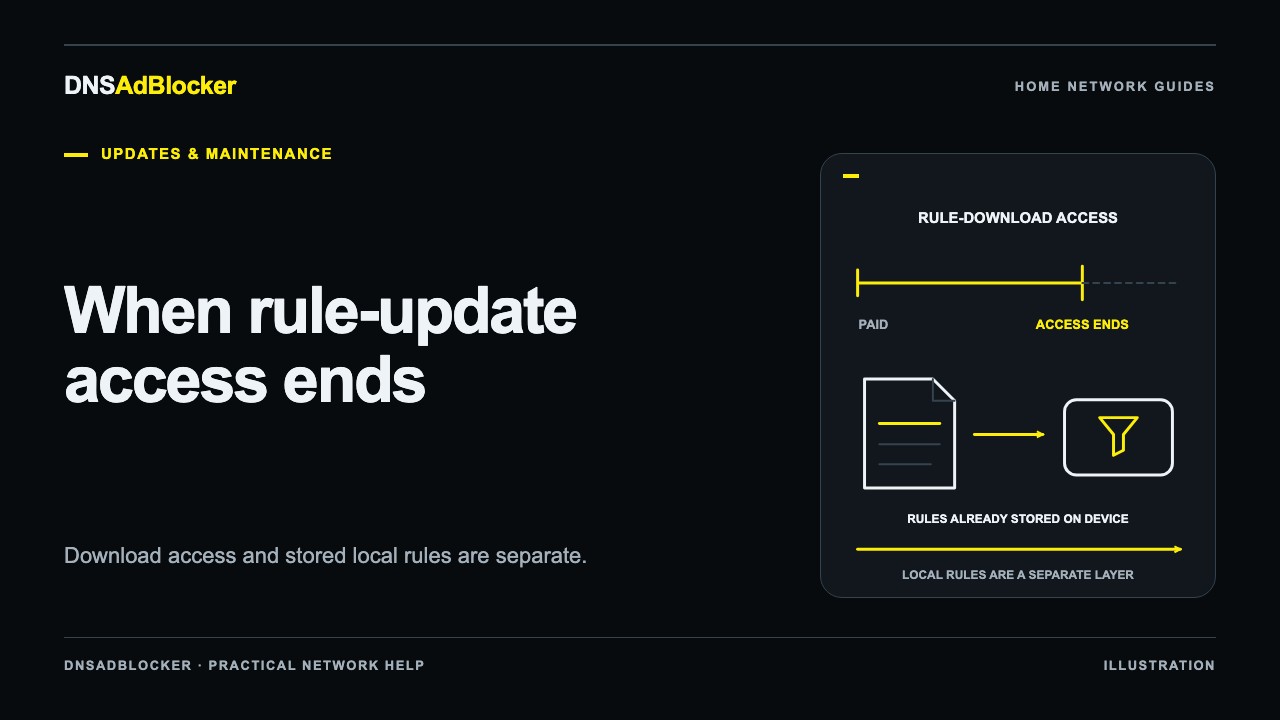
When your DNSAdBlocker rule-update access ends, that order stops qualifying for new rule-file downloads. The seller's access expiry does not remotely switch off the rules already installed on the local device. A separate annual purchase is optional, costs US$4.99 when available, and starts its own year from its payment date. There is no automatic renewal.
New hardware already includes its first year. You do not need to add the annual product to your hardware order to obtain that included access.
When does the included year start?
The year starts on the qualifying order's payment date. It does not start when the parcel arrives, when you first connect the hardware, or when you first download a file.
Download access also requires the order to be completed. Both conditions matter: an order can be paid and within its year but still waiting for completion, in which case downloads are not yet available. Marking an order completed later does not move the original start date.
The period is one UTC calendar year from payment, with February 29 ending on February 28 in the following year. Use the access period shown on the order page for your own purchase; its displayed date and time may reflect your local formatting.
For illustration, an order paid on October 19, 2026 starts its period that day. If it is marked completed on October 25, the end remains one calendar year after the original payment time. These are example dates explaining the terms, not the dates of an actual customer order.
The hardware buying checklist covers this included service alongside network requirements and the package details to check before ordering.
Website downloads and local filtering are separate
The website decides whether an order can retrieve a published compatible rule file. The local device stores and uses its installed rules on your home network. A website sign-in does not remotely manage the dashboard, and access is not bound to a registered hardware identity.
| Item | What access expiry changes |
|---|---|
| New website rule-file downloads | The expired order no longer qualifies |
| A private rule-update URL for that order | New requests must pass the current order-access check |
| The main list already stored locally | It is not deactivated solely by seller access expiry |
| A separate qualifying order | Its own dates and status determine its access |
| Firmware or hardware warranty | These are separate from the rule-update period |
The documented local updater has no seller-license clock that shuts filtering off at the end of the purchase period. If a periodic request is rejected with a non-success response because access has expired, that rejected fetch returns before replacing the current list.
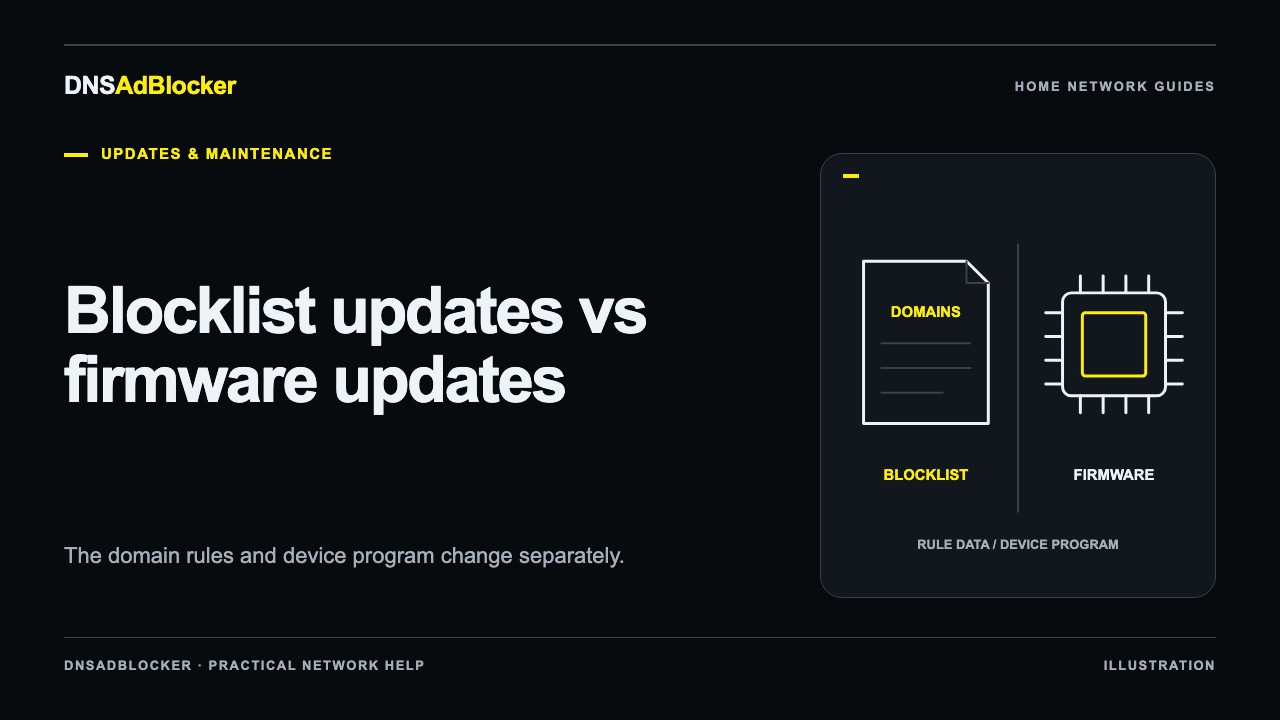
That specific behavior is not a promise that every update failure preserves rules. An interrupted successful response, failed replacement, power problem, or another device issue can have a different outcome. Keep the distinction between expiry and update reliability clear. Our blocklist versus firmware guide explains the separate kinds of change.
An older installed list can continue filtering the domains it contains while the device remains working and clients use it for DNS. It will not learn newly added domains merely because it is still running. Whether to obtain a later published file depends on your needs and the available release, rather than a scheduled local shutdown.
Check your order before purchasing another year
Open your orders and inspect the relevant hardware or annual-service order. If you used guest checkout, use the private access route supplied for that purchase. Read its Rule file downloads section and the displayed access period.
An unavailable download does not always mean the year has ended. Check the order's completion and payment status as well as file availability. A paid but incomplete order is different from an expired order. A valid period is also different from having a published compatible file ready to download.
If the status does not match your records, contact support with the order reference and what the page shows. Do not send passwords, payment credentials, or an unredacted private update URL. A new purchase is not the first troubleshooting step for a status discrepancy.
At the October 19, 2026 review, annual-service purchases remained unavailable until the first valid compatible rule file was published. Use the annual rule-update page for current availability and terms. The presence of a listed price does not mean a file has already been released.
A new purchase does not extend the old order
Each new qualifying purchase has an independent one-year period from its own payment date. It must also be paid and completed to permit downloads. It does not add time to a previous order, carry forward unused days, or queue itself to start after an existing period.
For example, suppose an older period ends on October 19. A separate annual order paid on October 1 begins on October 1 and runs for its own year, subject to completion. It does not wait eighteen days to begin. The two periods overlap for that part of October.
This is why buying early is not the same as stacking another year onto your current expiry. Check the dates before choosing to buy. Buying two annual products together also does not establish a two-year term; quantity does not stack order periods.
The annual product is a one-time US$4.99 payment, with no automatic recurring charge and no physical shipment. Hardware already includes its first year, so buying both at the beginning is unnecessary for that included year. The payment terms state the current purchase rules.
What to do when access ends
First, check that ordinary local filtering still works. An expired website period is not, by itself, a reason to reset Wi-Fi, replace hardware, or upload firmware. If you are changing networks at the same time, use the router reconnection guide to handle that separate task.
If you want access to new compatible rule files, review the available annual product and the independent start-date terms before purchasing. Once a new order is paid, completed, and a file is published, use that order's download route. An old order's expired link does not become a new order's link automatically.
Follow the rule-file update guide to install and verify the file locally. Payment, downloading, and importing are separate steps. Completing one does not establish that the others succeeded.
Common questions
Will my device stop blocking at the end of the year?
Seller access expiry alone does not deactivate its installed rules. Power, network connectivity, working local rules, and client DNS configuration still determine whether filtering works.
Is another annual purchase required when I buy hardware?
No. The hardware price already includes its first year. Avoid a duplicate annual purchase for that period.
Does renewing include firmware upgrades or a warranty extension?
No. The annual product covers rule-file access for its own period. Firmware upgrades and hardware warranty terms are separate.
Sources reviewed
Reviewed October 19, 2026: DNSAdBlocker's purchase and access terms, service terms, product guide, and returns and warranty information. The expiry explanation distinguishes server-controlled future downloads from the documented local updater; it does not claim a completed real-world expiry or renewal test.
Questions or corrections about this content can be sent to support@dnsadblocker.com.
All postsRelated posts
DNS filtering guides, home network setup notes, and product updates.