DNS Blocklist Updates vs Firmware Updates: What Changes?
Learn which DNSAdBlocker update changes domain rules, which changes device software, and how to choose the correct dashboard control before uploading.
Written by
DNSAdBlocker Team
The DNSAdBlocker team explains home DNS filtering, setup, and maintenance using product documentation and referenced platform guidance.
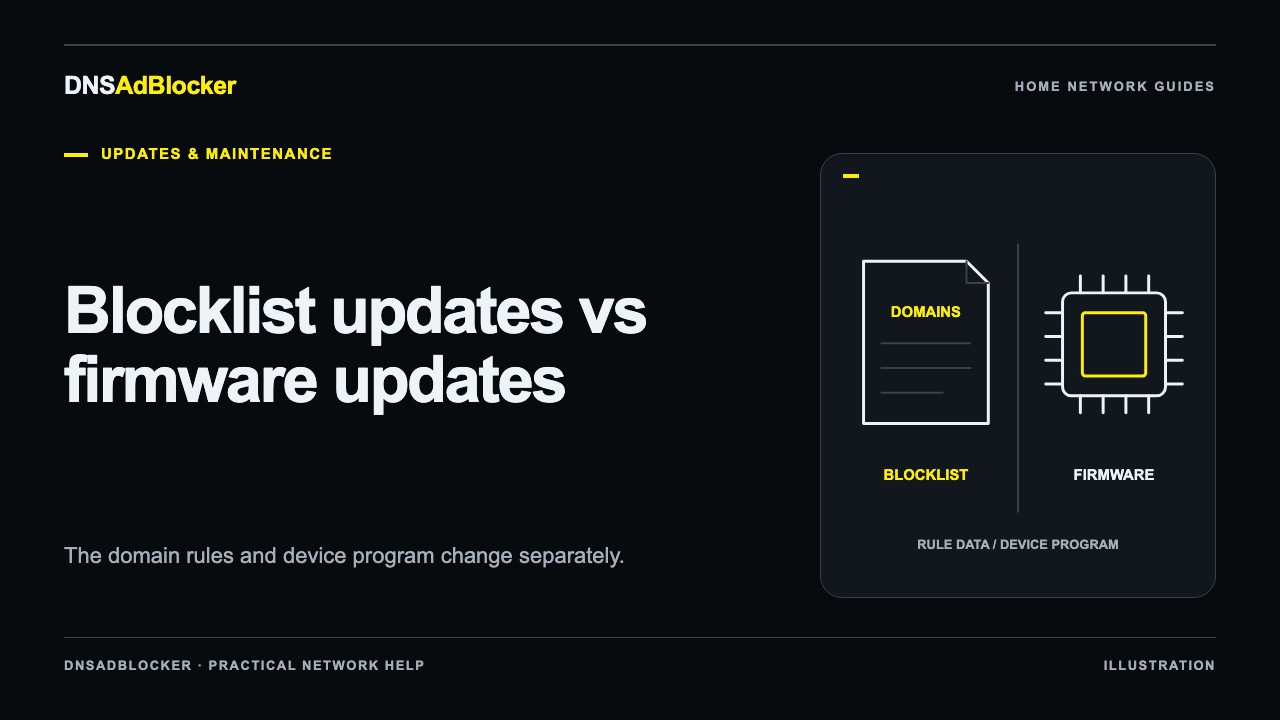
A blocklist update changes the domain rules used for filtering. A firmware update changes the software that runs the device. They use different dashboard controls, even when both downloads have a .bin filename extension. DNSAdBlocker's included first year and separate annual service cover compatible rule-file access; firmware upgrades are separate.
Before uploading anything, answer one question: are you changing which domains are blocked, or changing the program that handles DNS, Wi-Fi, and the dashboard? That distinction prevents a routine list update from becoming the wrong kind of device update.
What changes in a blocklist update?
A DNS blocklist contains information about domain names selected for blocking. Maintainers can add newly identified advertising or tracking domains and remove entries that cause problems or no longer belong in the list. A newer list can therefore change the answer to a particular domain lookup without changing how the dashboard works.
The Home DNS Ad Blocker uses a compatible prebuilt binary rule file, named blocklist.bin when downloaded through the website. Its Blocklist Upload control does not accept an ordinary text hosts file just because that text contains domain names. Renaming a text file to .bin does not convert it into the required format.
More rules do not automatically mean better results. A list can block additional unwanted connections and also affect a service you use. Keep a small set of normal household tasks to check after an update, such as opening a news page, signing into a service, and using a TV app. The rule-update walkthrough explains how to compare results without treating the number of entries as a quality score.
A custom blocked domain is another kind of rule change. It adds a domain you choose through the dashboard rather than replacing the downloaded main list. Follow the custom-domain guide for that smaller task. Removing a custom entry does not create an exception to a block still present in the main list.
What changes in a firmware update?
Firmware is the program responsible for running the device. A compatible firmware release might change a network behavior, fix a software defect, or alter a dashboard feature. The actual changes depend on that release's instructions; a firmware file is not evidence that a particular improvement exists.
Treat firmware as specific to the supplied hardware and its supported installation procedure. A file intended for another board, storage layout, or build is not interchangeable with a rule file. The same .bin extension tells you very little about compatibility.
The Firmware Upload operation writes device software and restarts the device. A restart interrupts the service it provides and resets the dashboard's in-memory request counters. Plan any authorized firmware work when a short network interruption is manageable, and keep your previous DNS settings available.
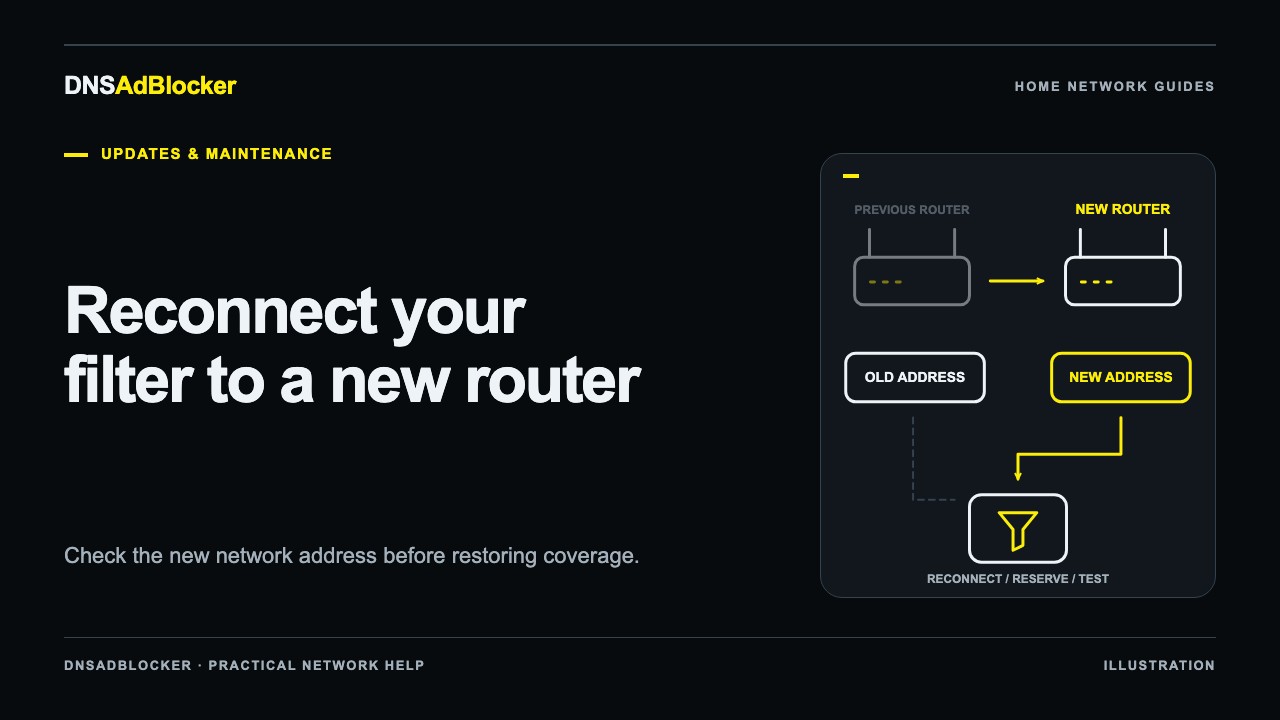
Changing routers is usually a connection and addressing task. It does not, by itself, establish a need to reflash software. If that is your situation, use the router and Wi-Fi reconnection guide before looking for firmware downloads.
Choose the matching dashboard control
The local dashboard and your website order page have different jobs. The website handles purchases and eligible rule downloads. The local dashboard installs files and manages the device on your home network.
| Your task | Dashboard control | What to supply |
|---|---|---|
| Replace the main filtering list manually | Blocklist Upload | A compatible blocklist.bin rule file |
| Check a supplied rule-file link | Remote auto-update or Fetch now | A valid private rule-file URL, when provided |
| Change device software | Firmware Upload | Firmware explicitly compatible with your unit |
| Add one extra domain block | Custom-domain control | The domain you intend to block |
Use the names and instructions supplied with your unit if its interface labels differ. Website account credentials and local dashboard credentials are separate. Signing in to dnsadblocker.com does not remotely operate your home dashboard.
An optional update URL is still a rule-file delivery method. It is not a firmware channel. The polling interval controls when the device checks the URL; it does not promise that a fresh list is published at each check. A device checking every day could receive the same published file several times.
Keep an order's private update URL out of public posts, screenshots, and shared configuration examples. Anyone who receives that link may be able to use its download access while it remains valid. It is an access link, not a secure hardware identity.
What does the annual service include?
The hardware pack includes its first year of rule updates. You do not need to add the separate annual product to receive that included year. The separate service is a one-time US$4.99 purchase for its own year of rule-file access, with no automatic renewal.
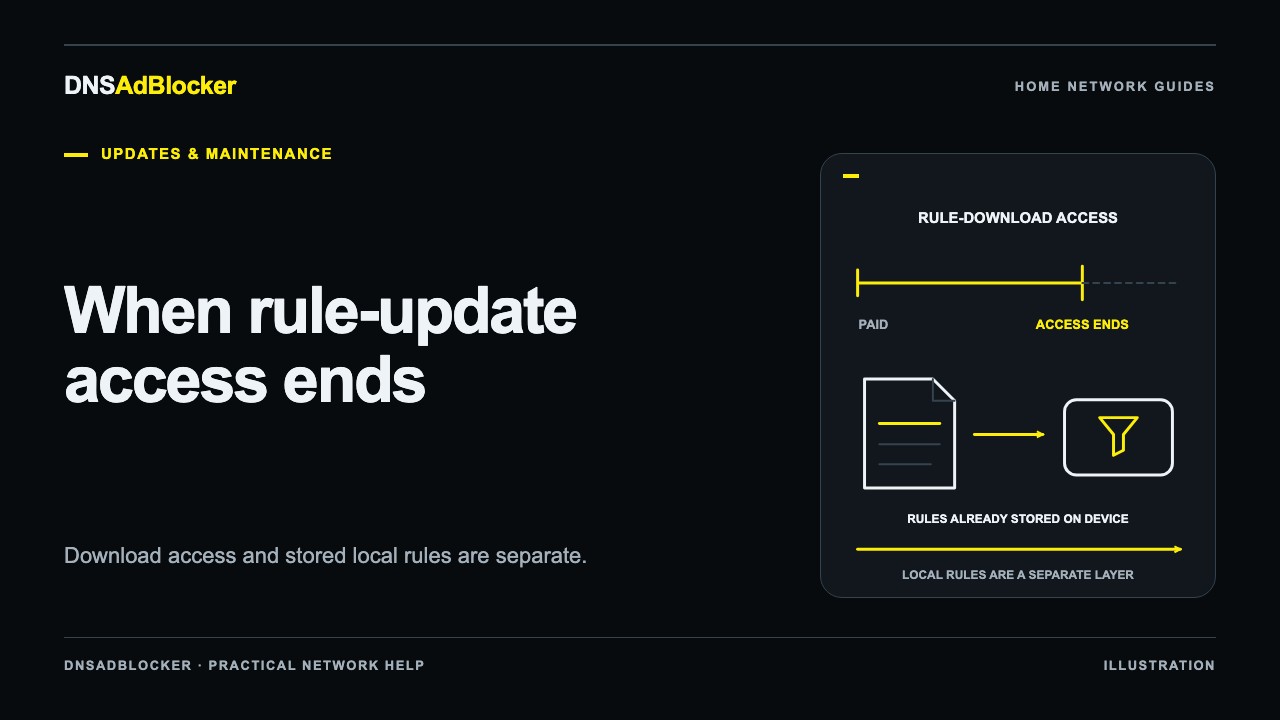
Downloads require an eligible paid order marked completed and within one year of its payment date, plus an available published compatible file. Each qualifying order has its own period. A later order does not add unused time to an earlier one. Our access-expiry explanation covers that timing in more detail.
Rule access does not include hardware, accessories, firmware upgrades, or a promise that every advertisement will disappear. A domain list also cannot reliably separate wanted content from an advertisement delivered through the same domain. Read the product guide for the setup and coverage limits before changing your maintenance plan.
A short check before any upload
Keep the file's source and purpose clear. Verify that its instructions name your supplied hardware or supported rule format. Make sure the device has stable power, the browser can reach its local dashboard, and you know how to restore the previous DNS configuration if service becomes unavailable.
Allow the operation to finish, then inspect the dashboard and test an ordinary allowed domain as well as a known rule example. An update can interrupt filtering while it runs. Do not assume the device saves an export of the old list or automatically rolls back a failed replacement.
If the file's purpose is uncertain, stop before selecting Upload and ask support which control it belongs in. Include the filename and where it came from, without sharing passwords or private access links. That information is more useful than trying both upload forms.
Common questions
Can I upload a hosts text file as a blocklist?
Not through this device's binary Blocklist Upload control. Use a compatible prebuilt rule file supplied for the device. A different DNS filtering application may accept text lists, but its instructions do not establish compatibility here.
Does buying another year update the firmware?
No. It supplies its own rule-download access period once the qualifying order is paid and completed. Firmware upgrades are a separate operation and are not included in the annual service.
Does a daily check mean daily new rules?
No. A check asks whether the rule URL can provide a file. Publication frequency and the device's check interval are separate.
Sources reviewed
Reviewed October 19, 2026: DNSAdBlocker's product setup and update guide, rule-update purchase terms, and service terms. Control descriptions explain the supported workflow; they are not a claim that a particular rule release or firmware has been installed and tested on a customer's unit.
Questions or corrections about this content can be sent to support@dnsadblocker.com.
All postsRelated posts
DNS filtering guides, home network setup notes, and product updates.