Can DNS Block YouTube Ads? Understand the Limits Before You Buy
DNS filtering cannot reliably remove YouTube video ads. Learn why shared delivery domains matter and what to expect on browsers, phones, and TVs.

Written by
DNSAdBlocker Team
The DNSAdBlocker team explains home DNS filtering, setup, and maintenance using product documentation and referenced platform guidance.
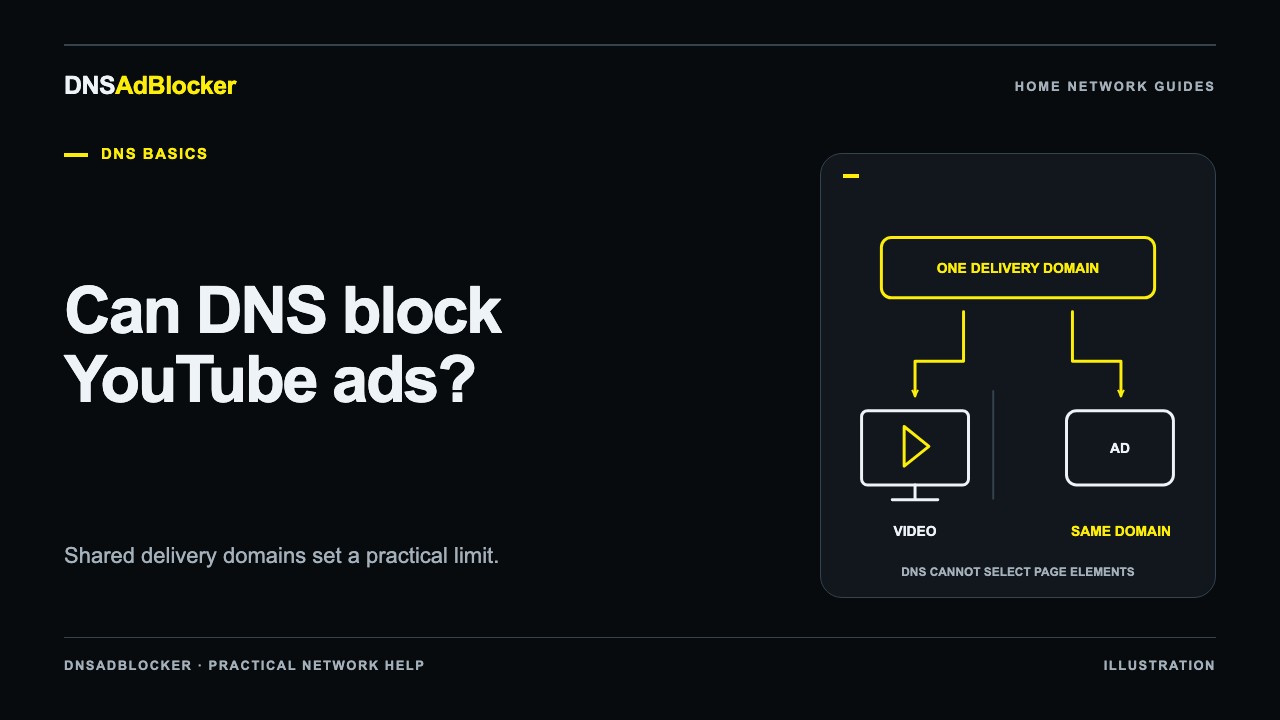
DNS filtering cannot reliably make YouTube ad-free. An advertisement and a wanted video can use the same delivery domain. A DNS filter sees the name being resolved; it cannot choose between two pieces of content behind that name. Blocking it can interrupt video playback as well as advertising.
If removing YouTube video ads is your main reason to buy a DNS device, choose with that limit in mind. Home DNS filtering has useful applications, but a reliable YouTube-ad-removal promise would go beyond what domain blocking can deliver.
The problem is the level at which DNS works
DNS supplies addresses for domain names. It does not receive a label saying “advertisement” or “the video the viewer selected.” Our introduction to DNS ad blocking follows a lookup from the client to the filtering decision.
Imagine two requests that use the same host but different paths. One retrieves the content you want, and another retrieves advertising. At the DNS layer, both start with the same question: what address belongs to that host?
A rule that blocks the host can affect both requests. A rule that allows it cannot selectively refuse one path. When advertising uses a separate listed domain, DNS has a boundary it can act on. When that boundary is shared, adding another domain rule does not give the filter page-level visibility.
Pi-hole's official community FAQ has documented the same-domain problem with YouTube for years. That is an explanation of a DNS limitation, not a current benchmark for every platform, account, or advertising format. This article does not report a new playback test or claim to know every domain YouTube currently uses.
Why a new blocklist may seem to work, then disappoint
One session without an ad does not prove that a DNS rule removed it. Ad delivery can differ between sessions, and cached content can also affect what a viewer sees. A domain rule could have stopped a separate advertising connection in one case while doing nothing in another.
The more aggressive response is often to block broader delivery domains. That can produce a different symptom: stalled video, missing thumbnails, or other playback failures. Those failures do not turn the list into a selective video-ad blocker.
Treat claims about a special YouTube DNS address or a universal list cautiously. Ask what was tested, on which client, when, and whether wanted playback still worked. Do not apply a long list to every home device on the strength of one screenshot.
If your broader goal is to check whether the DNS device works at all, follow the request-path troubleshooting guide. A known listed domain and an allowed control domain are better diagnostic tools than waiting to see whether a video happens to show an ad.
Browser, mobile app, and TV app are different environments
The tool that works inside one application does not automatically extend to another.
| Where you watch | What DNS filtering can do | What it cannot promise |
|---|---|---|
| Desktop browser | Filter listed domain lookups that use its resolver | Selective removal of every in-video ad |
| Mobile browser | Apply the same domain-level logic, subject to its resolver path | The capabilities of a desktop browser extension |
| Official mobile app | Filter listed names when the app follows the configured DNS path | Rewrite the app's interface or separate shared-domain video content |
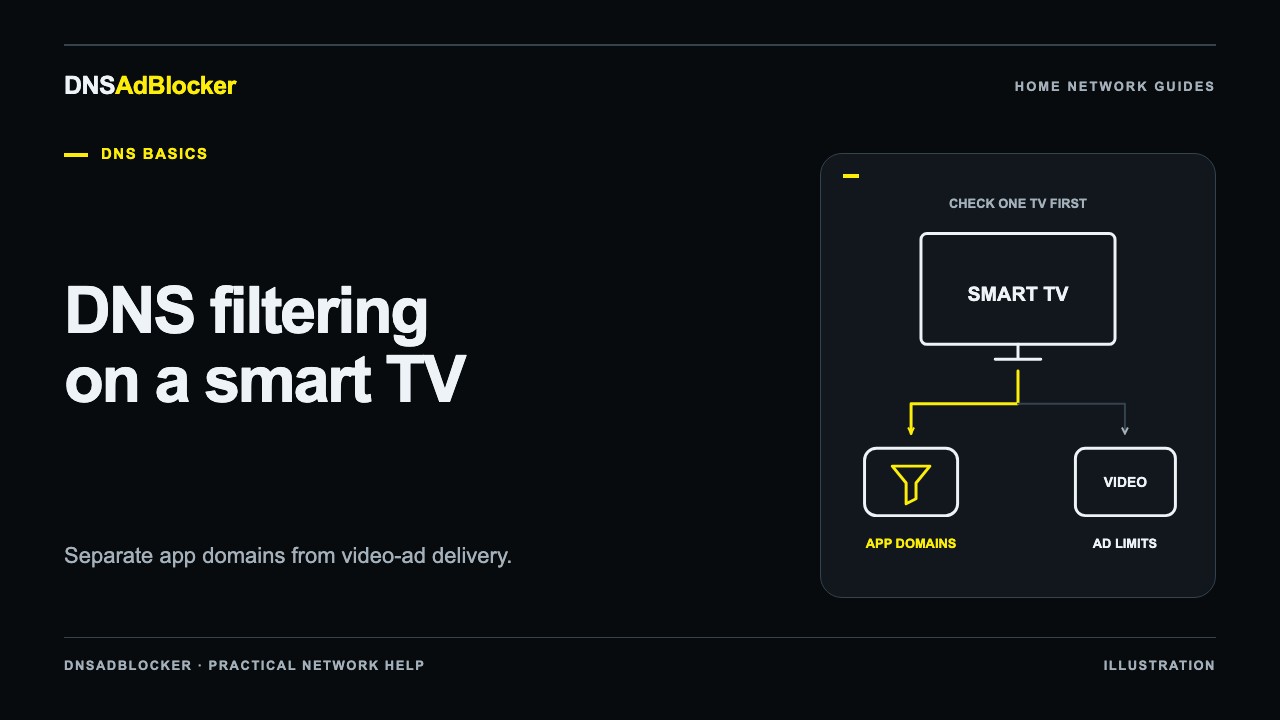
| Smart TV or streaming app | Filter listed lookups reaching the home resolver | Ad-free playback in every app or on every TV model |
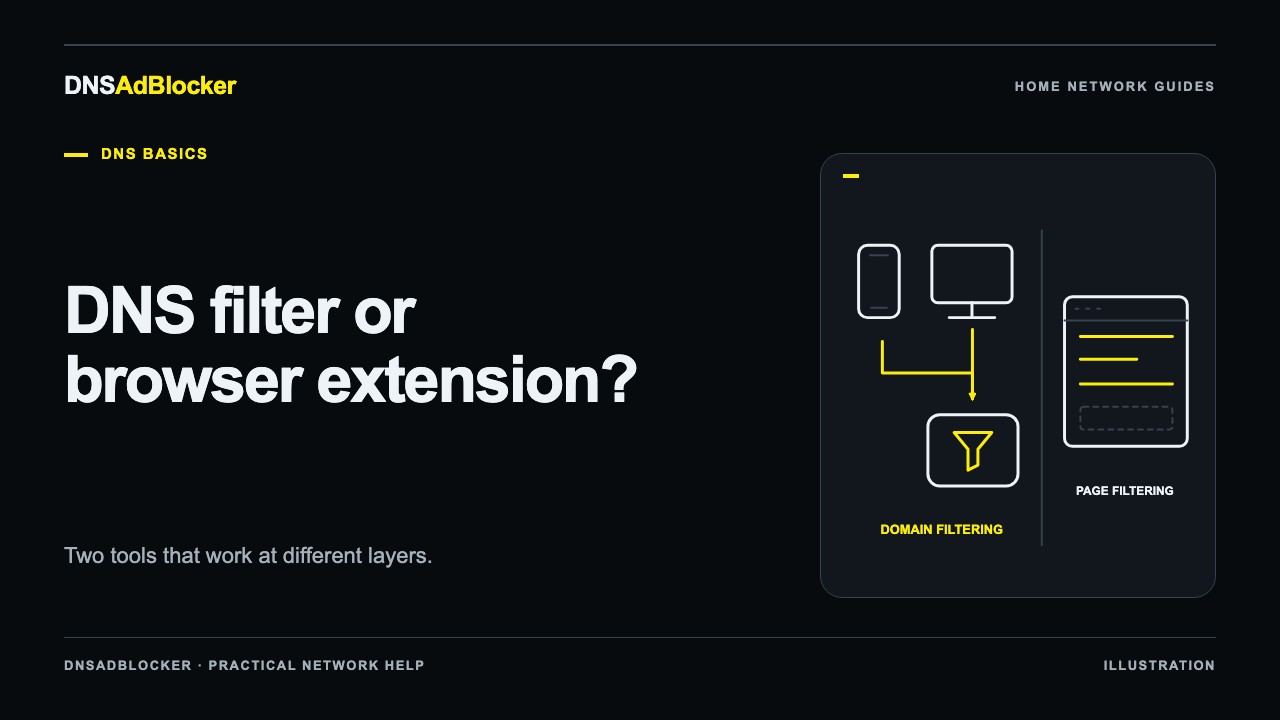
A supported browser extension can sometimes apply URL, resource-type, or page-content rules that DNS cannot. Its actual capabilities depend on the browser, extension, permissions, and service behavior. It is not useful to turn that broader visibility into a guarantee of uninterrupted blocking.
The DNS blocker versus browser extension guide covers the division of work. For television viewers, the smart TV DNS guide explains how to test network coverage without assuming the TV offers the same controls as a computer.
What DNS filtering is still useful for
There are many separate ad and tracking services outside the shared-domain video problem. A home DNS filter can block lookups to listed domains across clients configured to use it, including some devices where installing a browser extension is impractical.
That can make it a useful household layer when the aim is to reduce those connections. It can also provide supported local controls, such as custom domain blocking or a pause button for troubleshooting. It will not remove every empty space left by a failed ad request, and a blocked-request counter is not a tally of advertisements removed.
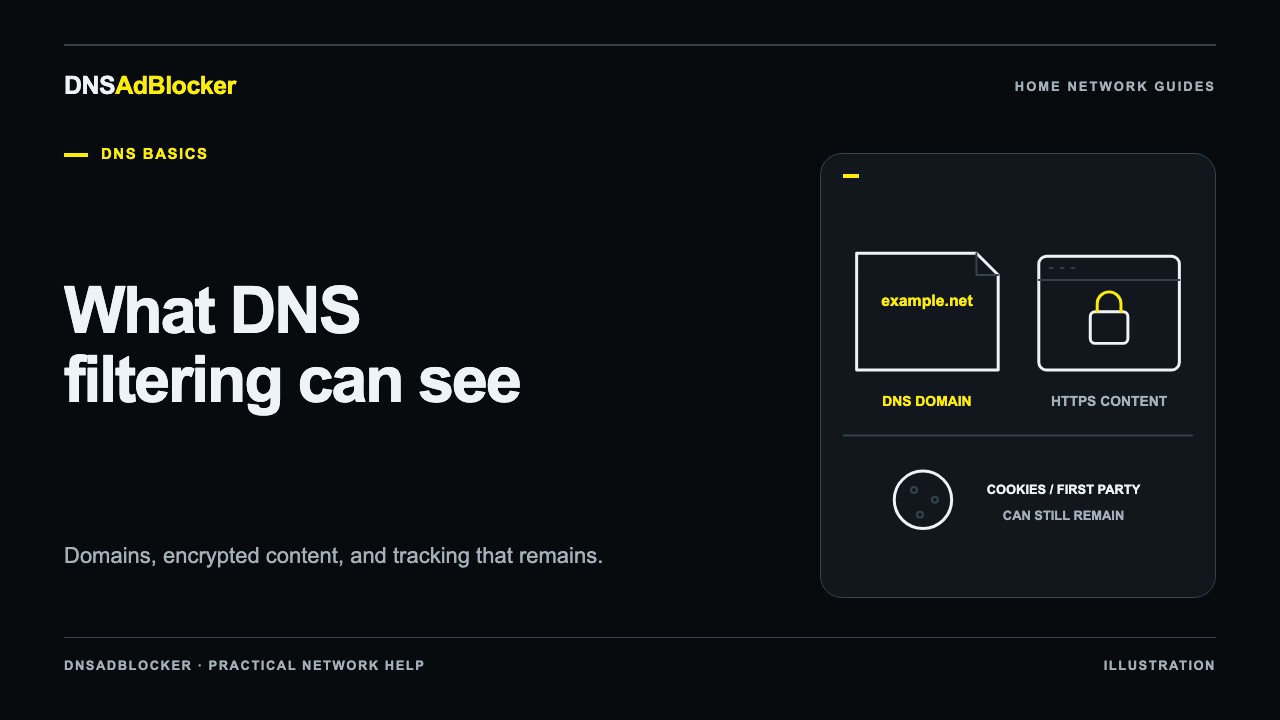
For the Home DNS Ad Blocker, router or individual-device DNS configuration is required. A browser's external Secure DNS setting or an app's resolver behavior can bypass that route. The product guide describes the intended setup and local dashboard rather than promising YouTube-specific results.
If YouTube ads are the main issue
Look first at options offered by the service itself. YouTube's official Premium documentation describes supported ad-free viewing benefits, compatible platforms, and exceptions. It also notes that creator-included promotions and some other content may still appear. Read the current terms for your region and the kind of viewing you use.
If you evaluate browser tools, assess them for that specific browser and keep their permissions and maintenance in view. A browser solution will not automatically cover your TV's native app.
For a mixed household, it is reasonable to use DNS filtering for separate ad and tracking domains while handling a particular video service separately. Decide whether the DNS product is worth using for that broader job. A purchase makes more sense when its value survives this one clearly stated limitation.
Sources
- MDN: DNS, on domain-name resolution.
- Pi-hole official community FAQ: how do I block ads on YouTube?, a dated explanation of the shared-domain limitation; its historical tool recommendations are not reproduced here.
- MDN: WebExtensions webRequest API, on browser request filtering capabilities.
- YouTube Help: use your YouTube Premium benefits, including supported ad-free viewing and stated exceptions.
Questions or corrections about this content can be sent to support@dnsadblocker.com.
All postsRelated posts
DNS filtering guides, home network setup notes, and product updates.